
The Conversations Tab
All replies land in the Unified Inbox. You don’t need to check your Gmail or phone separately.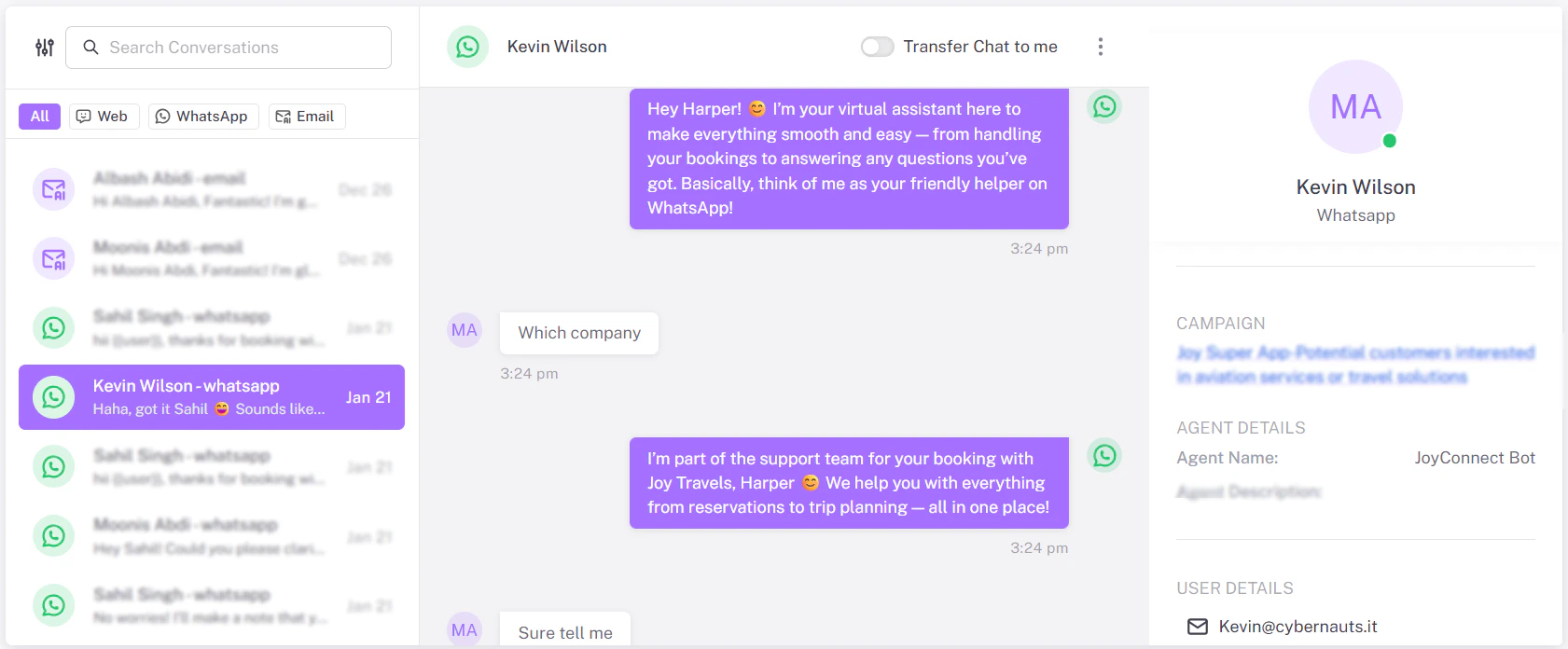
How it Works
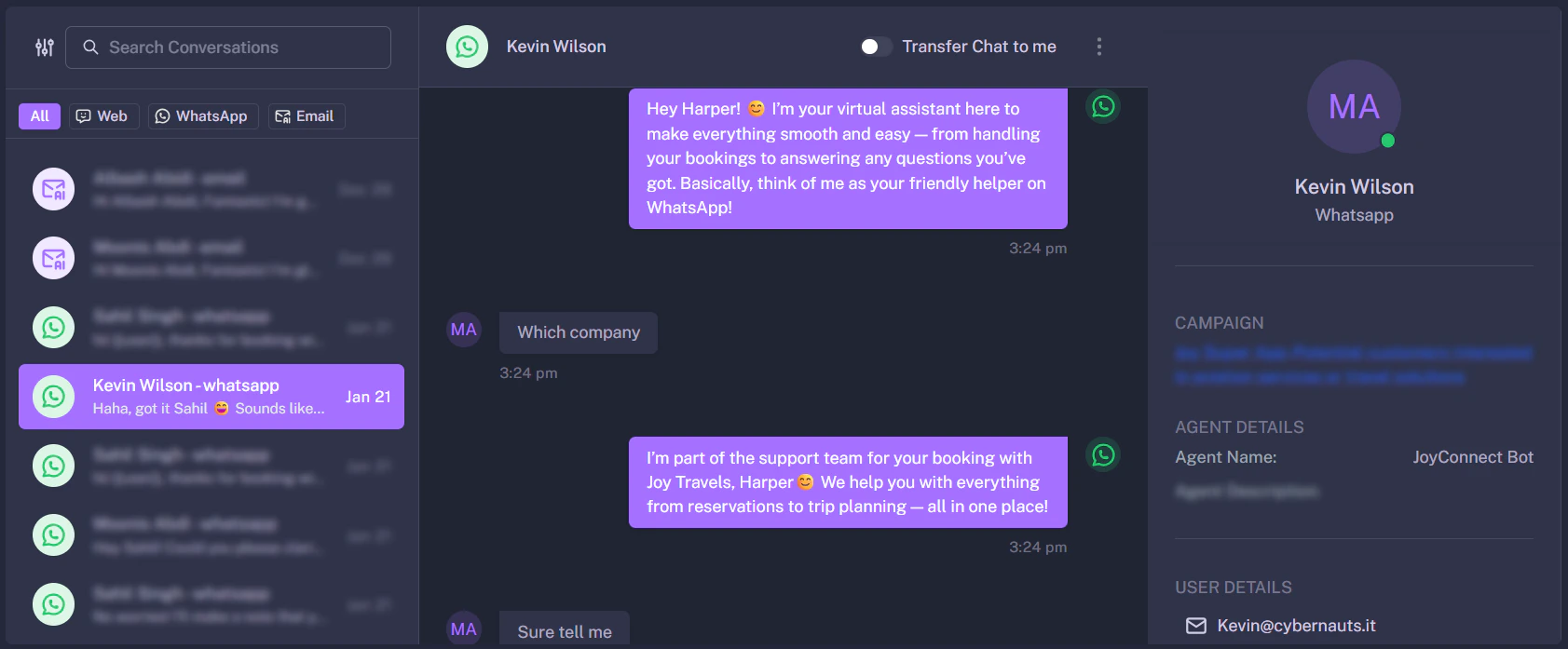
1. The Left Sidebar This shows a list of all active conversations.- Icon: Indicates the channel (Envelope = Email, Green Bubble = WhatsApp).
- Name: The lead’s name.
- Snippet: The last message received.
Human Takeover: Once you reply manually here, the automated “Flow” for that specific user is paused to prevent the bot from interrupting your human conversation.