The Email Agent is your primary tool for B2B outreach. It doesn’t just send templates; it uses AI to personalize the message for every single lead.
Configuration
To set up the agent, click the Settings (Gear) icon next to the Email Agent card.
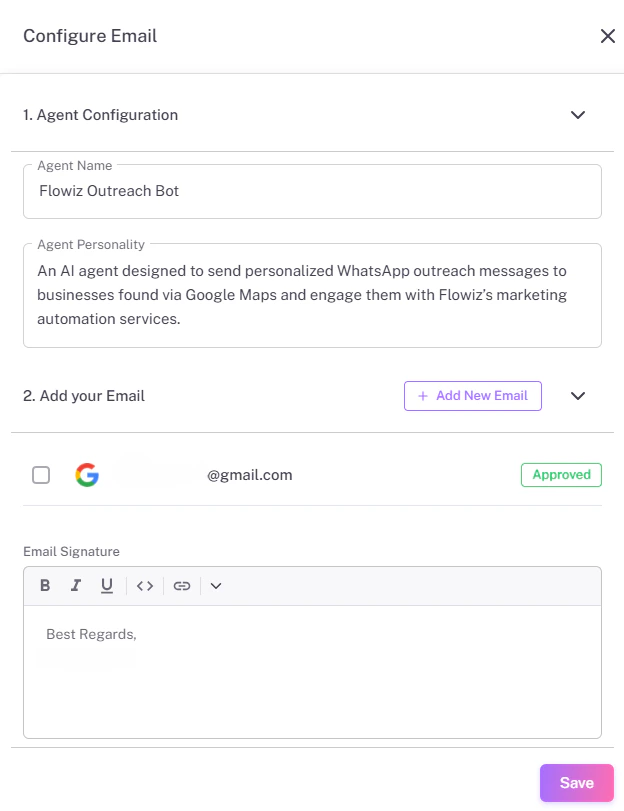
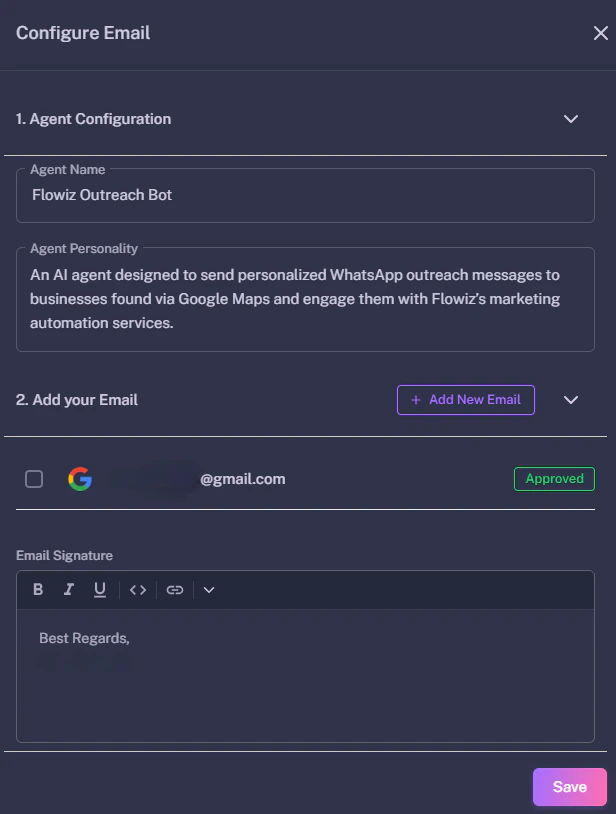
Key Settings
- Agent Personality:
Describe how the bot should sound.
- Example: “You are a helpful sales assistant named Sarah. Be professional but brief.”
- Daily Limit:
We recommend starting with 50 emails/day for a new account to avoid spam filters.
- Signature:
Paste your standard HTML or text signature here.
Connecting Your Account
Flowiz supports SMTP connections. You will need:
- SMTP Host: (e.g.,
smtp.gmail.com)
- Port: (Usually
587 or 465)
- App Password: If using Gmail, you must generate an “App Password,” not your normal login password.
Spam Compliance: Always include an “Unsubscribe” text in your footer to comply with regulations.