Organize your leads into segmented lists for targeted outreach.
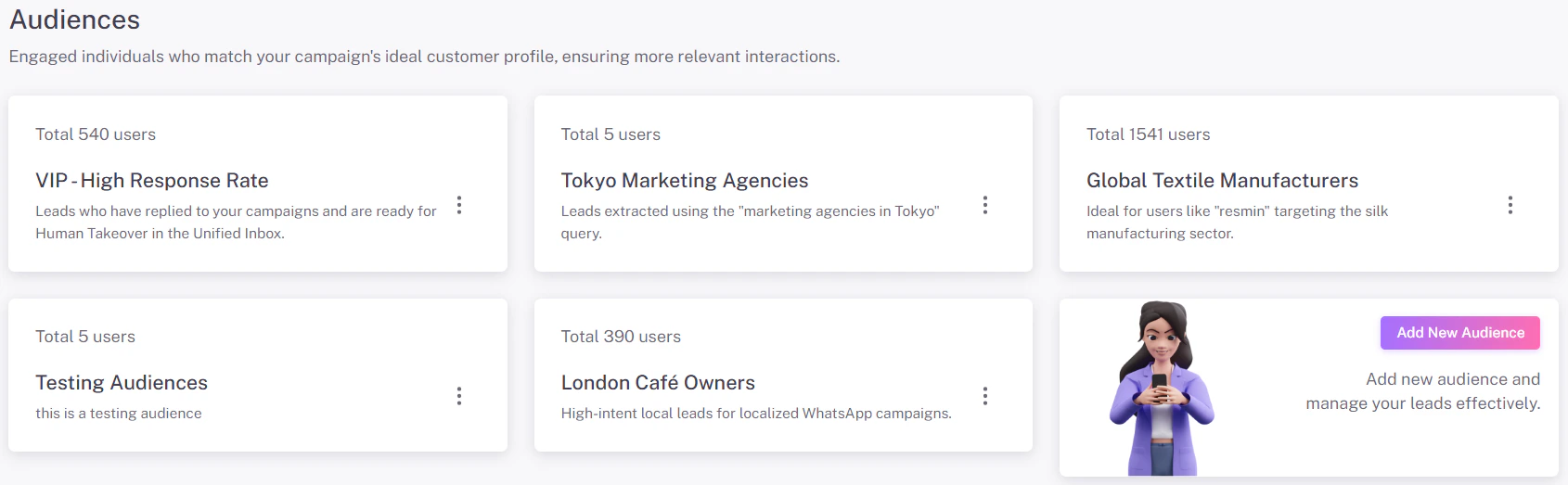
In Flowiz, leads are grouped into Audiences. Think of an Audience like a smart folder that helps you categorize prospects by their location, industry, or campaign status.
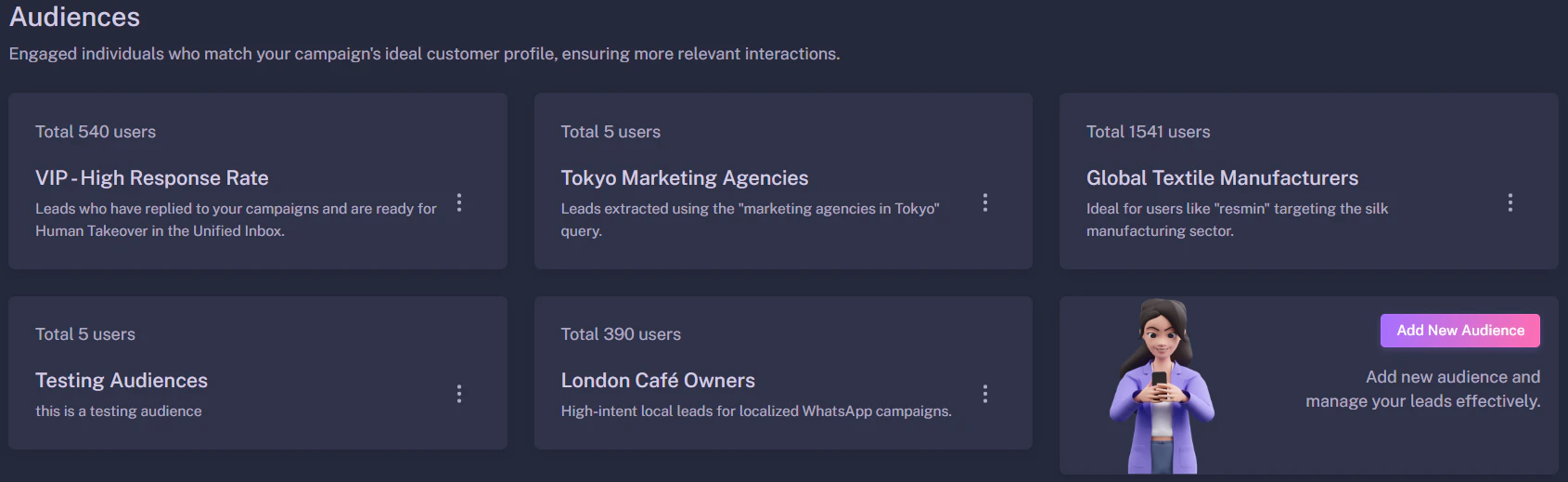
When you extract leads from Google Maps or upload a CSV file, Flowiz creates a new Audience card to house those contacts.Using meaningful names helps you identify the purpose of each list at a glance:
Tokyo Marketing Agencies: Leads extracted using specific geographic and industry queries.
Global Textile Manufacturers: Niche industry leads targeted for specialized B2B outreach.
VIP - High Response Rate: A segmented list of leads who have already engaged with your agents and are ready for manual follow-up.
London Café Owners: High-intent local leads categorized for localized WhatsApp campaigns.
To refine your audience and ensure high-quality outreach:
Open a Card: Click on any Audience card to view the full list of leads.
Filter & Search: Use the search bar to find specific individuals or companies within that group.
Clean Data: Select any lead that no longer fits your criteria and click Delete to remove them from future automated sequences.
Segmenting for Success: It is highly recommended to keep different business types in separate Audiences (e.g., “Restaurant List” vs. “Gym List”). This allows the AI to generate much more personalized and effective messaging for each specific group.