
The Delay Node
The Delay Node (Clock Icon) pauses the automation for a specific amount of time. This is crucial for “drip campaigns” where you don’t want to spam the user.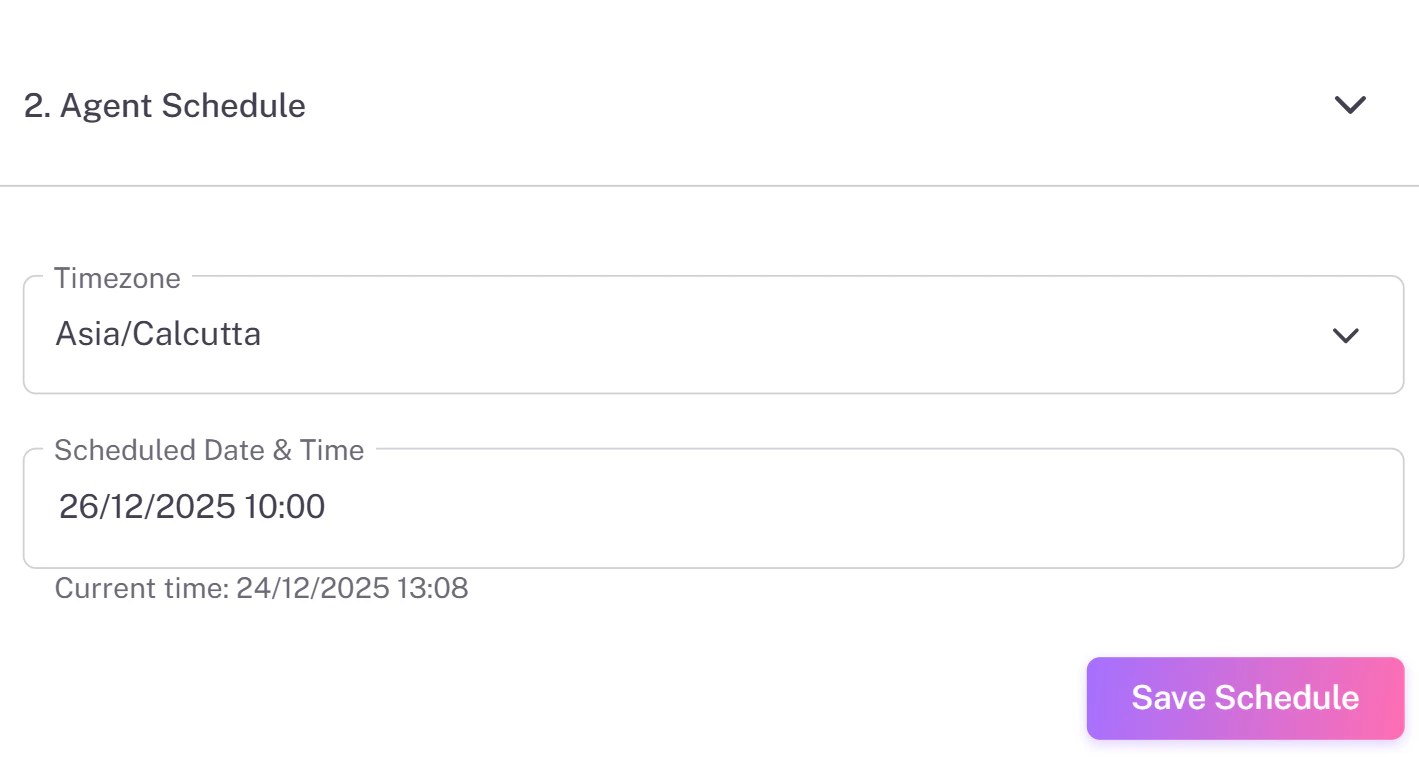
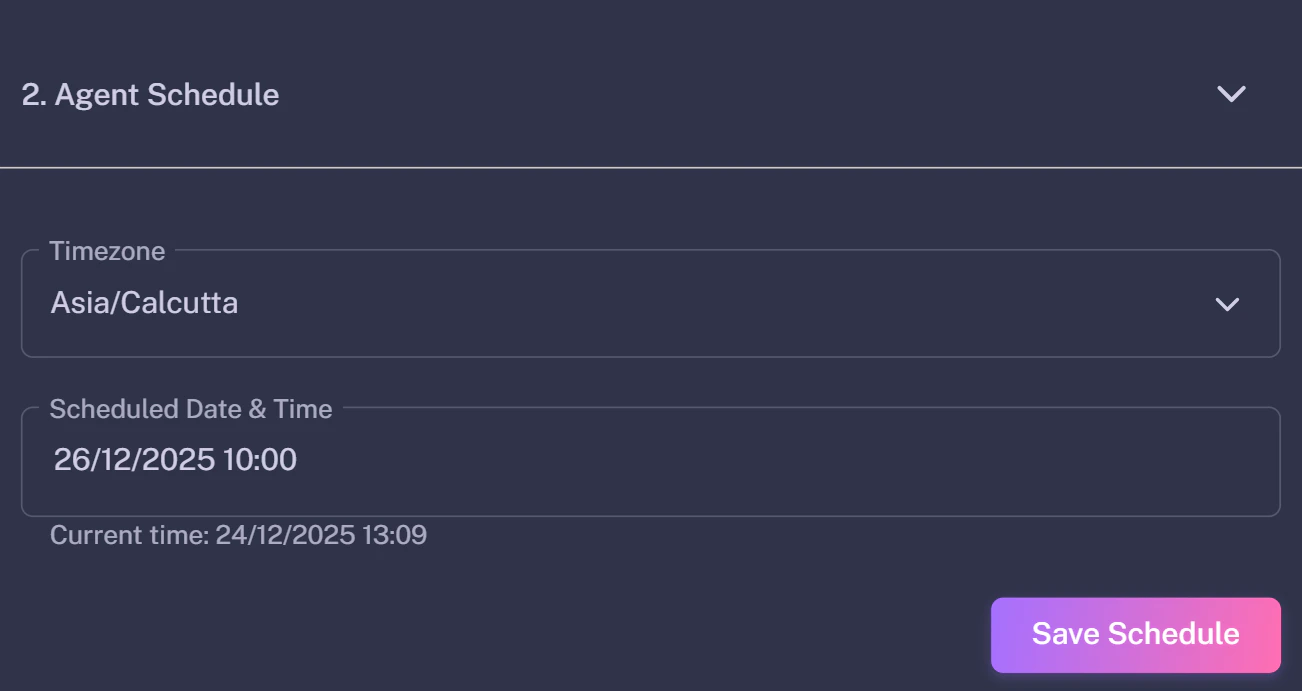
- Wait 2 Days: Before sending a follow-up email.
- Wait 15 Minutes: Between extracting a lead and sending a WhatsApp message (to look natural).
The Logic Node (Decision)
The Logic Node (Diamond Icon) splits your flow into two paths: YES and NO.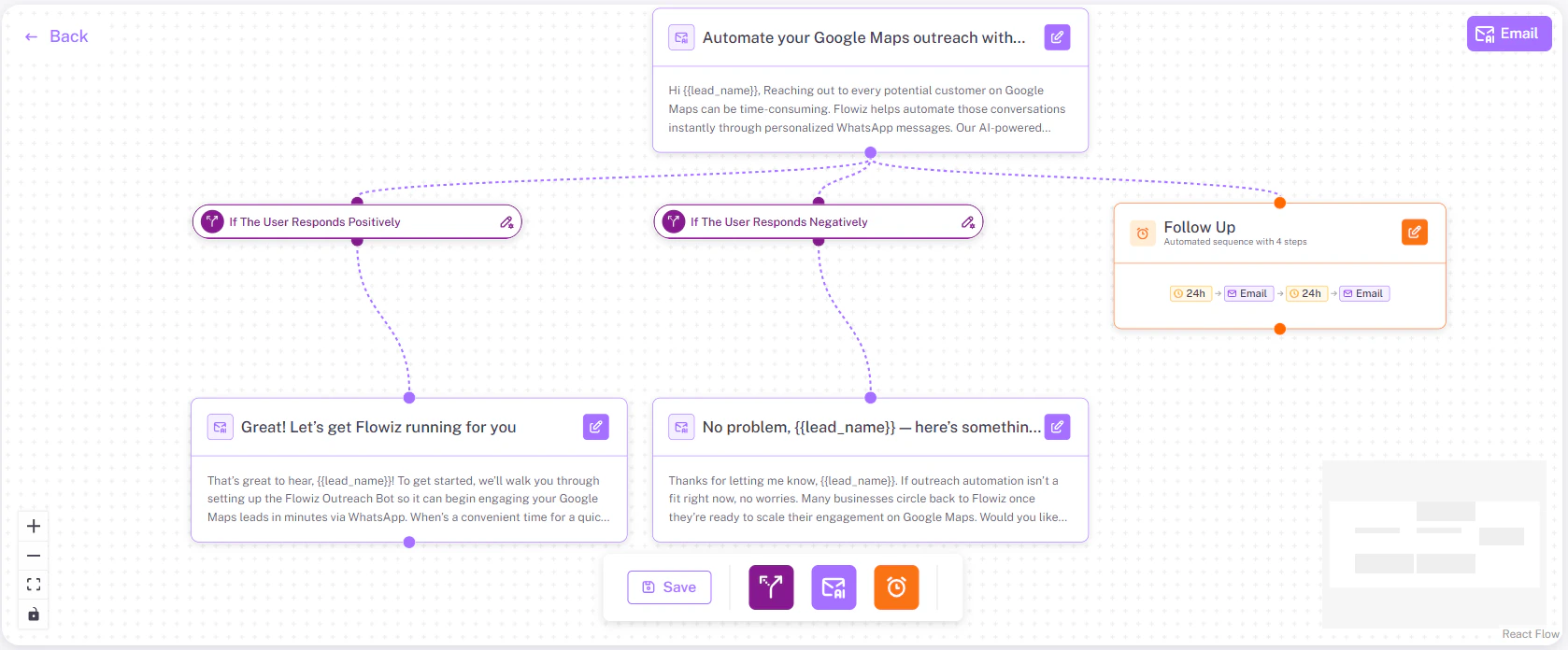
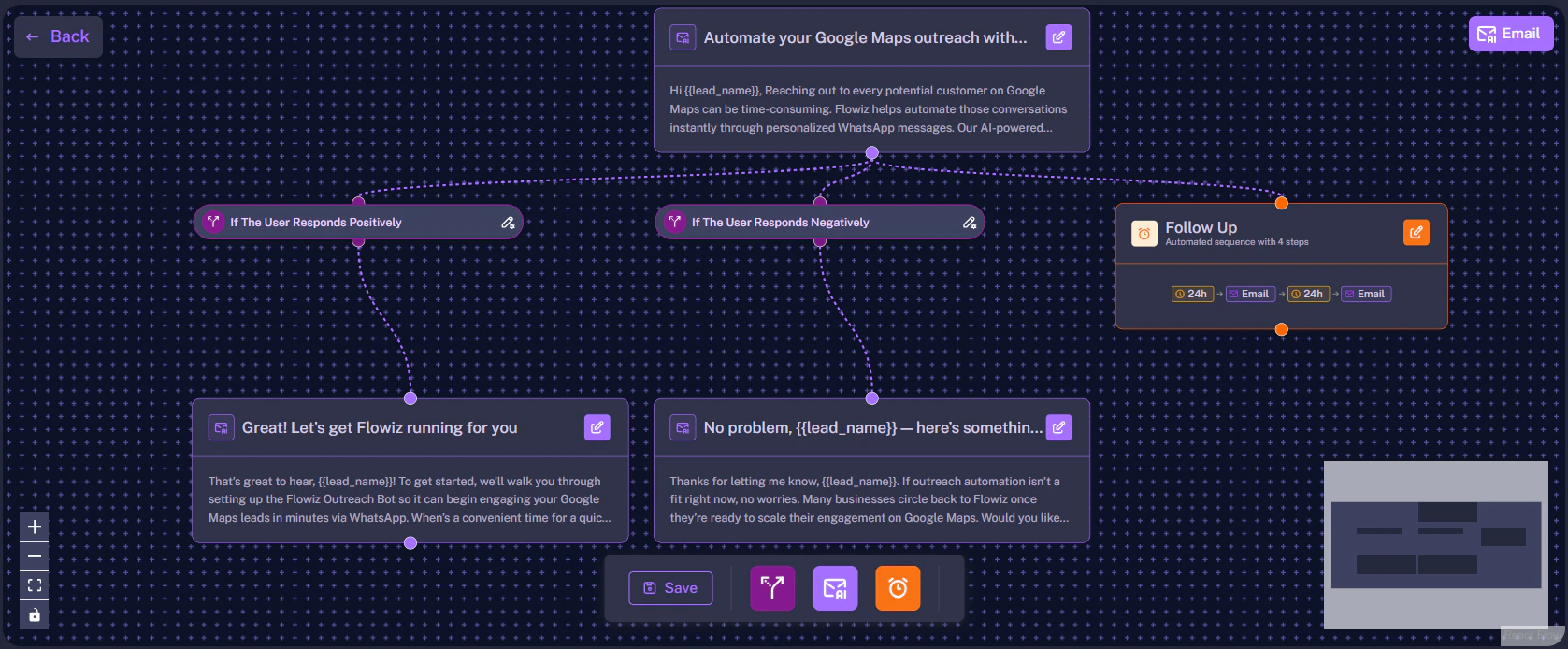
How it Works
The AI automatically assigns the condition.- Path A (Positive): “If User Responds Positively” -> Send Booking Link.
- Path B (Negative): “If User Responds Negatively” -> Remove from list.
- Path C (No Reply): “If No Reply after 3 days” -> Send Follow-up.