

Enable POP/IMAP
- Log in to Outlook.com or Office 365.
- Click the Gear Icon (Settings) -> View all Outlook settings (link at bottom).
- Navigate to Mail -> Sync email.
- Scroll down to the POP and IMAP section.
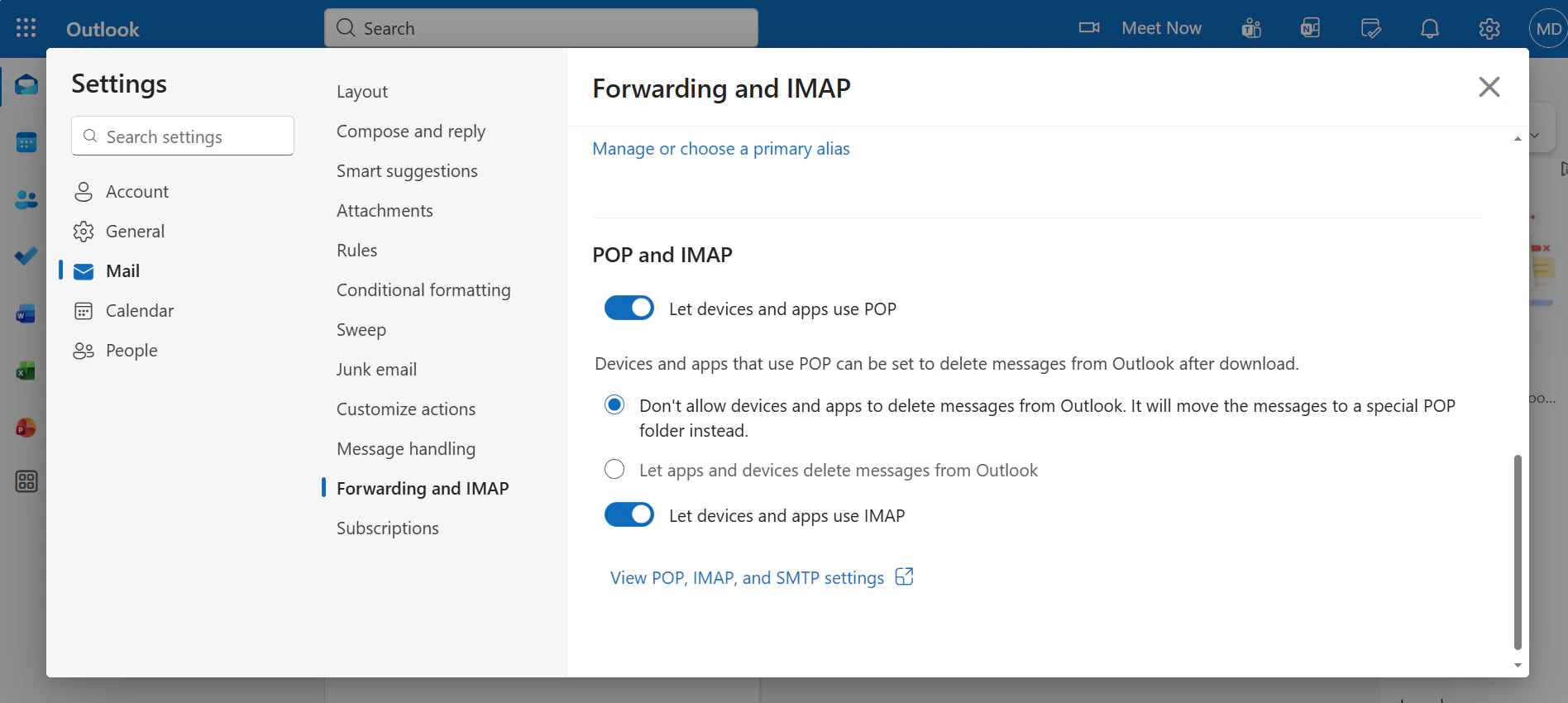
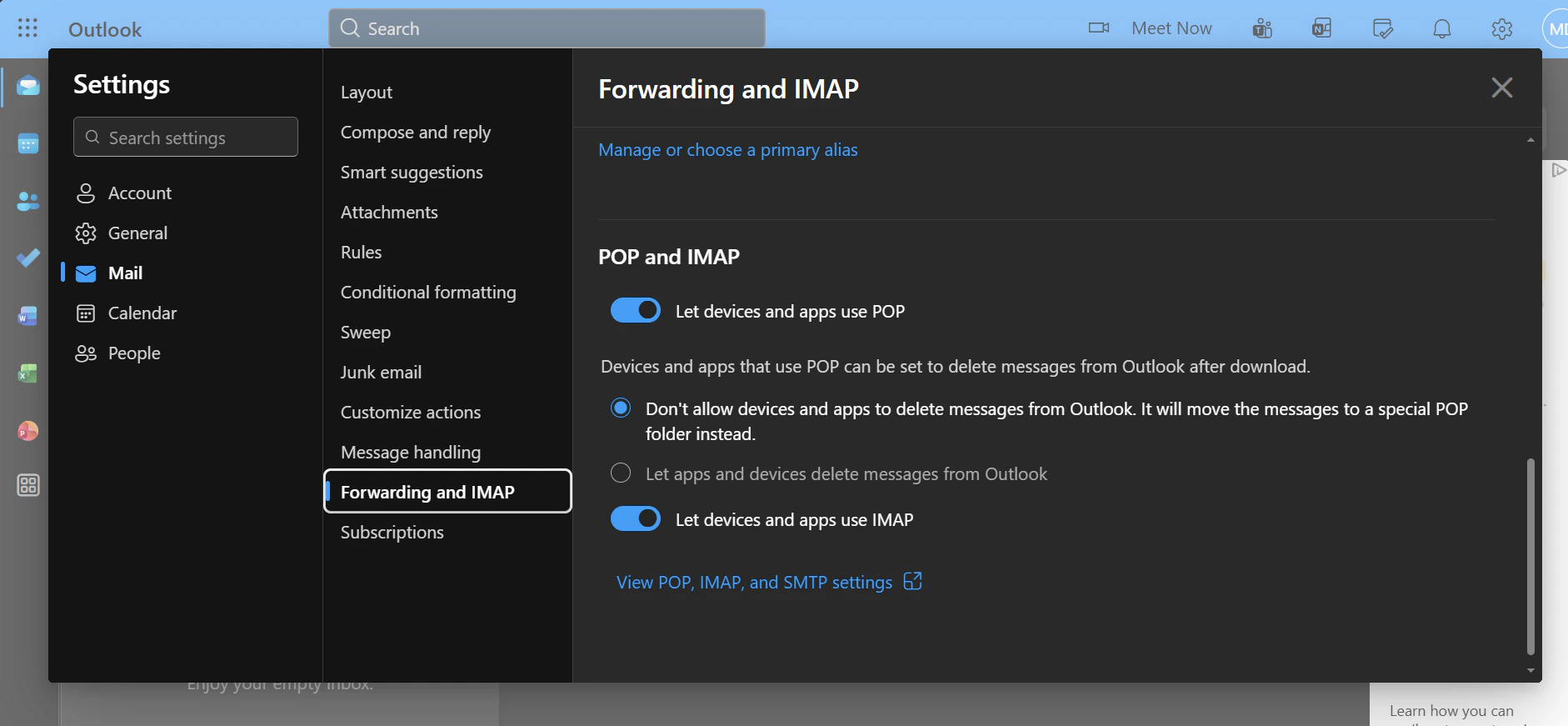
Required Settings:
- Let devices and apps use POP: Select Yes.
- Let devices and apps use IMAP: Select Yes.