1. Connecting to Meta
To enable WhatsApp, you must authorize Flowiz to access your Meta Business Manager. Step 1: Go to the Agents tab and click the Settings (Gear) icon next to WhatsApp. Step 2: Click the blue Connect Meta button. Step 3: You will be redirected to the Templates page.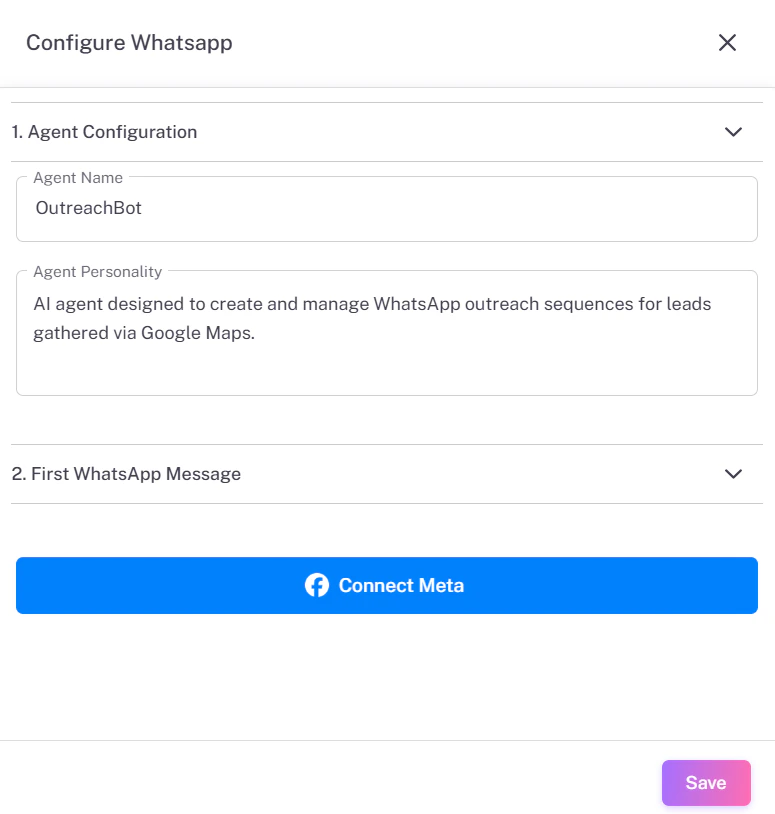
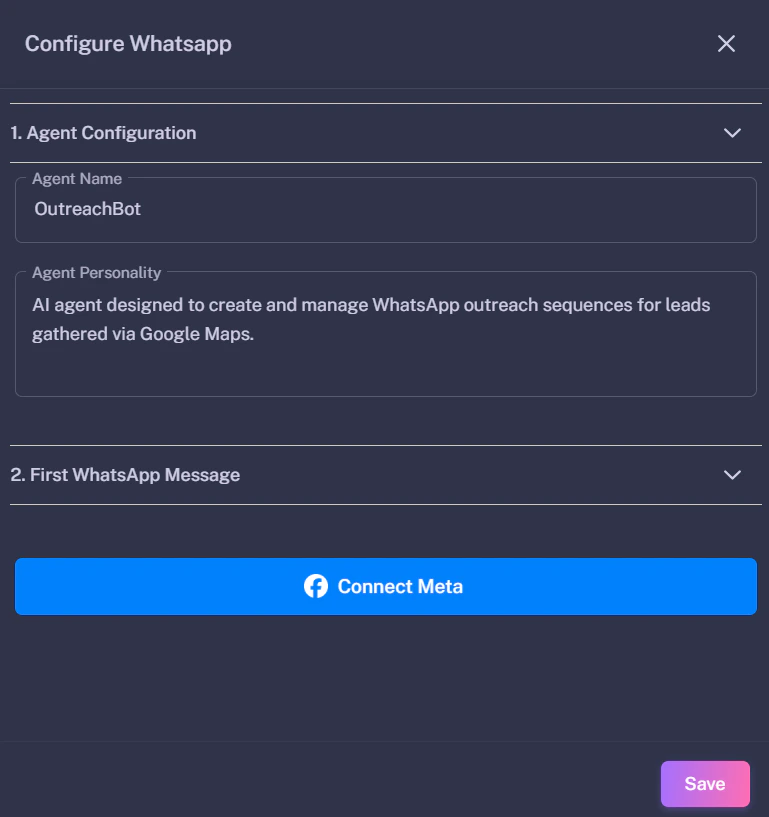
Authorizing the App
On the Templates page, click the Connect Meta button (top right). A popup will appear asking you to log in to Facebook and select your Business Account.

2. Creating Message Templates
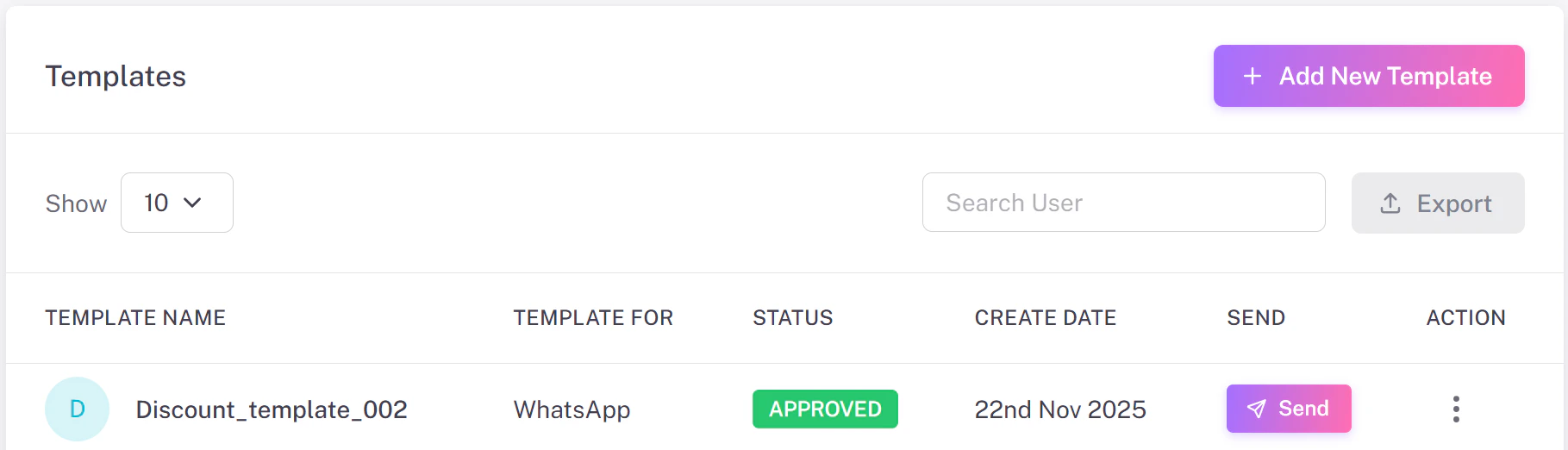
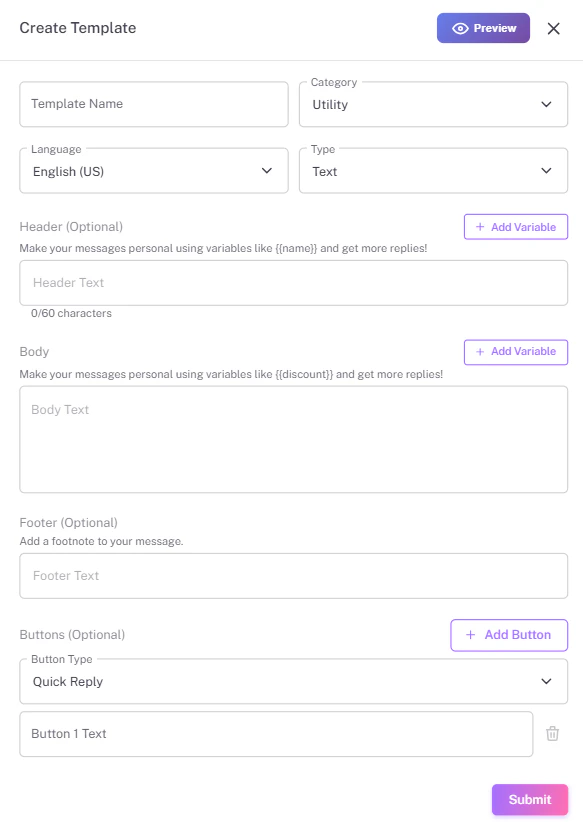
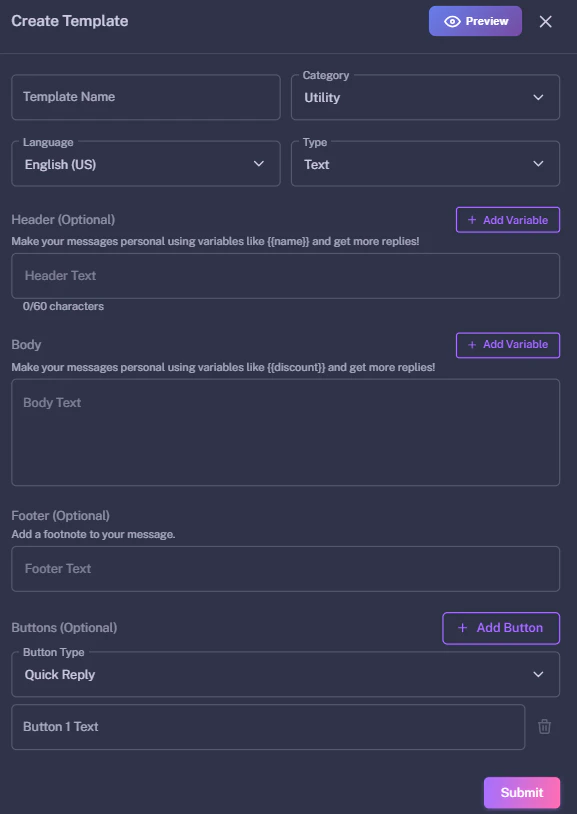
WhatsApp requires all initial messages to be pre-approved “Templates”. You cannot send random text to a new lead. 1. Add Template: Click the pink + Add New Template button. 2. Open Form: A form will slide out from the right side. 3. Fill Details:- Category: Choose “Marketing” or “Utility”.
- Body: Write your message content (e.g.,
Hi {{name}}...). - Buttons: Add a “Quick Reply” or “Call to Action”.
3. Approval & Testing
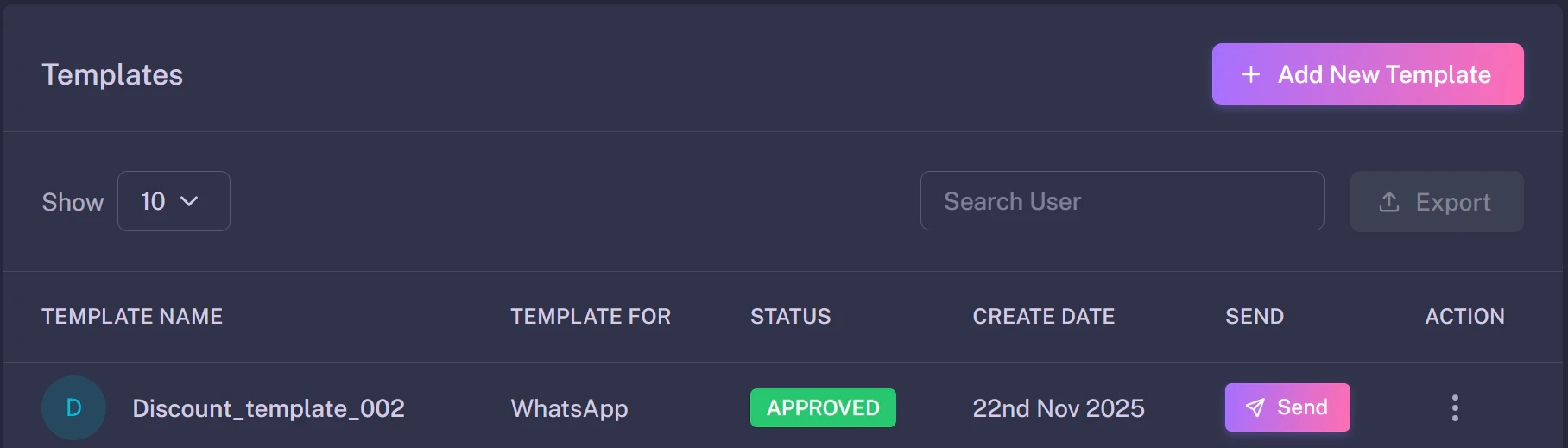
Once submitted, Meta will review your template (usually within minutes). Check the Status column in the Templates table:- PENDING: Meta is reviewing it.
- APPROVED: You can now use this template.
- REJECTED: Check the error and try again.