
- Recipes are the instruction manuals.
- Agents are your workers.
- Flows are the active jobs.
- Leads are the customers.
- Templates are the approved scripts.
1. Recipes
A Recipe is a pre-built template for a campaign. Instead of building a workflow from scratch, you select a Recipe that matches your goal.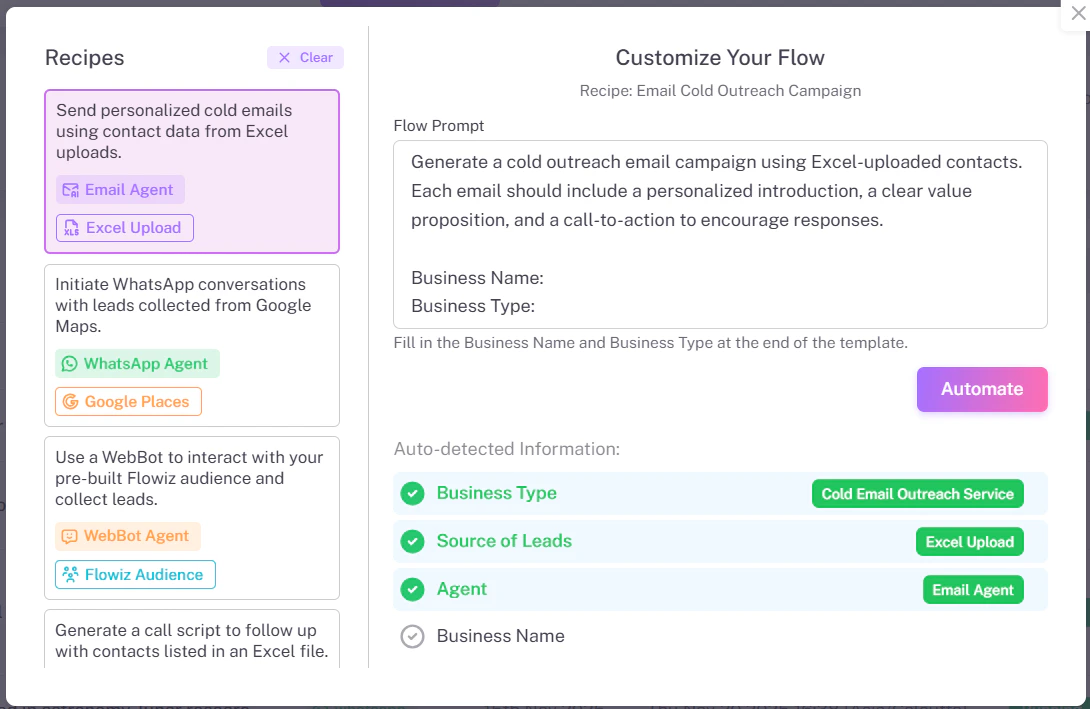
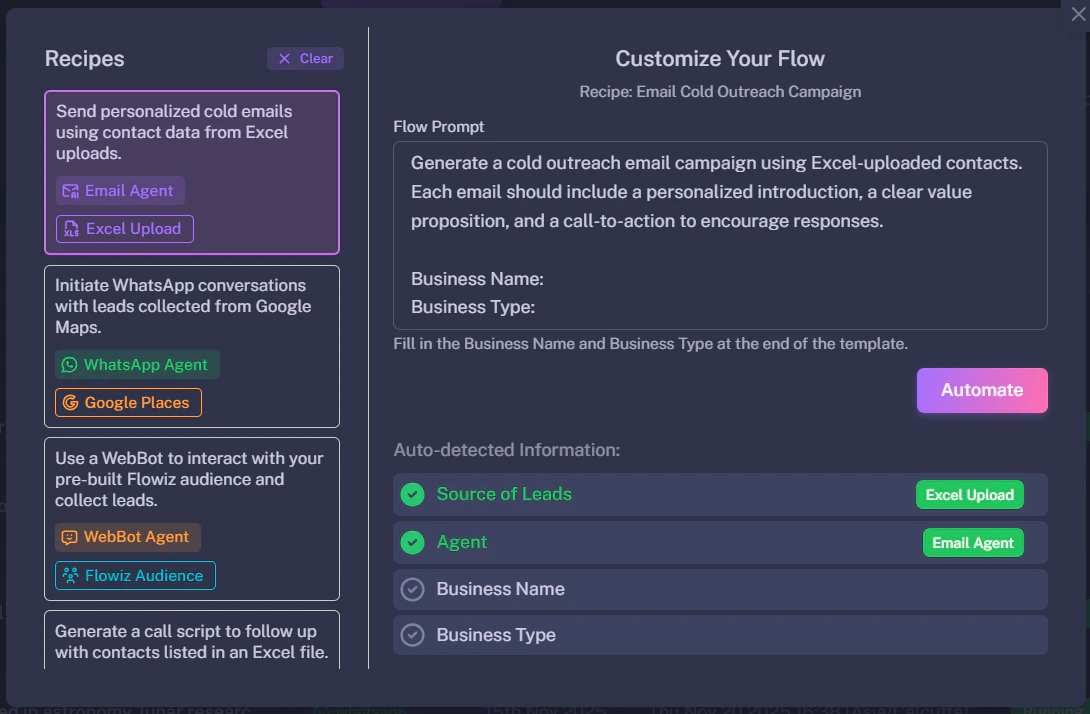
- Cold Email Outreach: Extract leads from Excel -> Send Email -> Wait 2 days -> Follow up.
- WhatsApp Blaster: Extract from Google Maps -> Verify Phone -> Send WhatsApp Message.
2. AI Agents
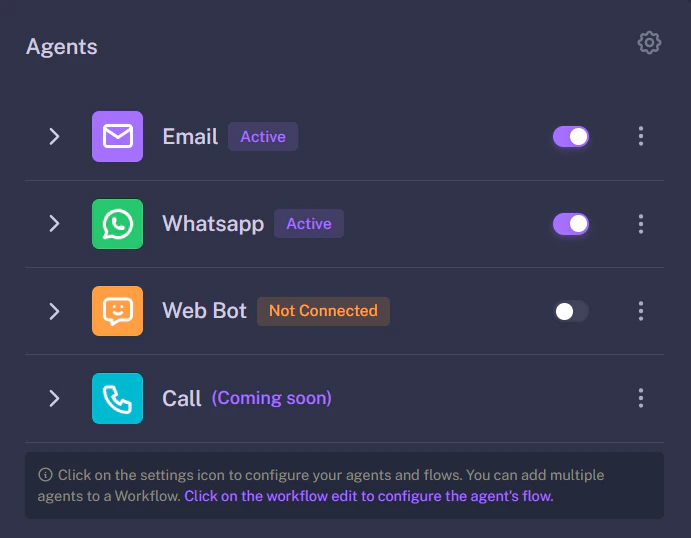
Agents are specialized bots designed to handle specific communication channels. You don’t write scripts for them; you just turn them on and give them a personality.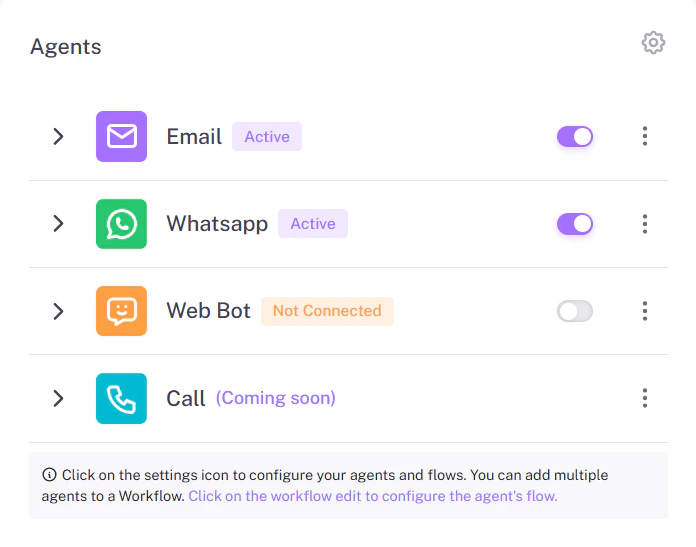
3. Flows
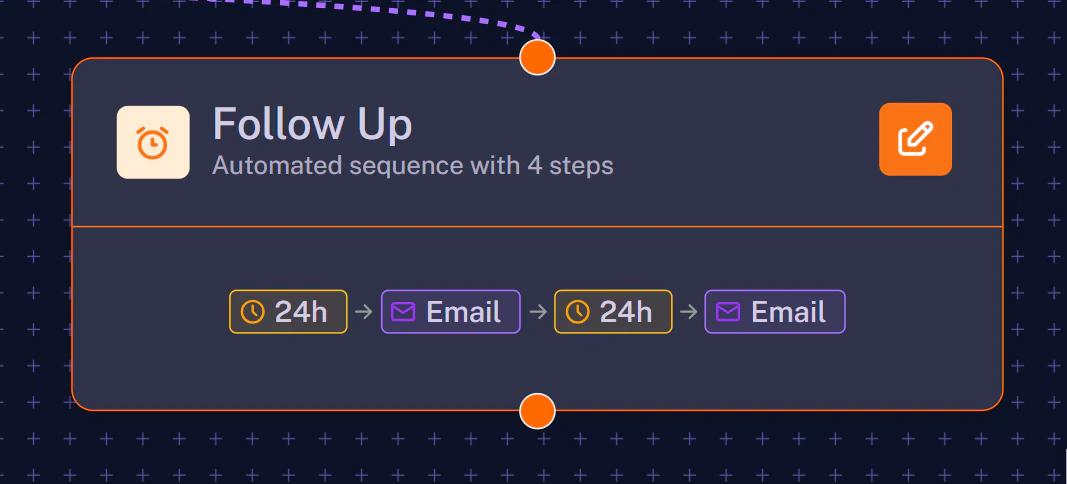
A Flow is a live automation. Once you select a Recipe and click “Automate”, it becomes a Flow. You can visualize a Flow as a series of connected steps on a canvas. It contains the logic, such as delays (e.g., “Wait 2 Days”) and conditions (e.g., “If user replies, stop”).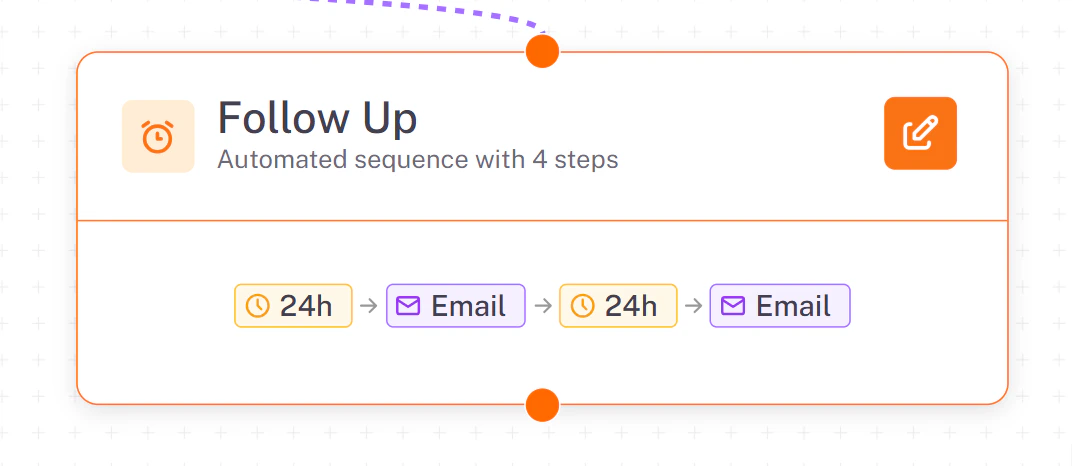
4. Leads
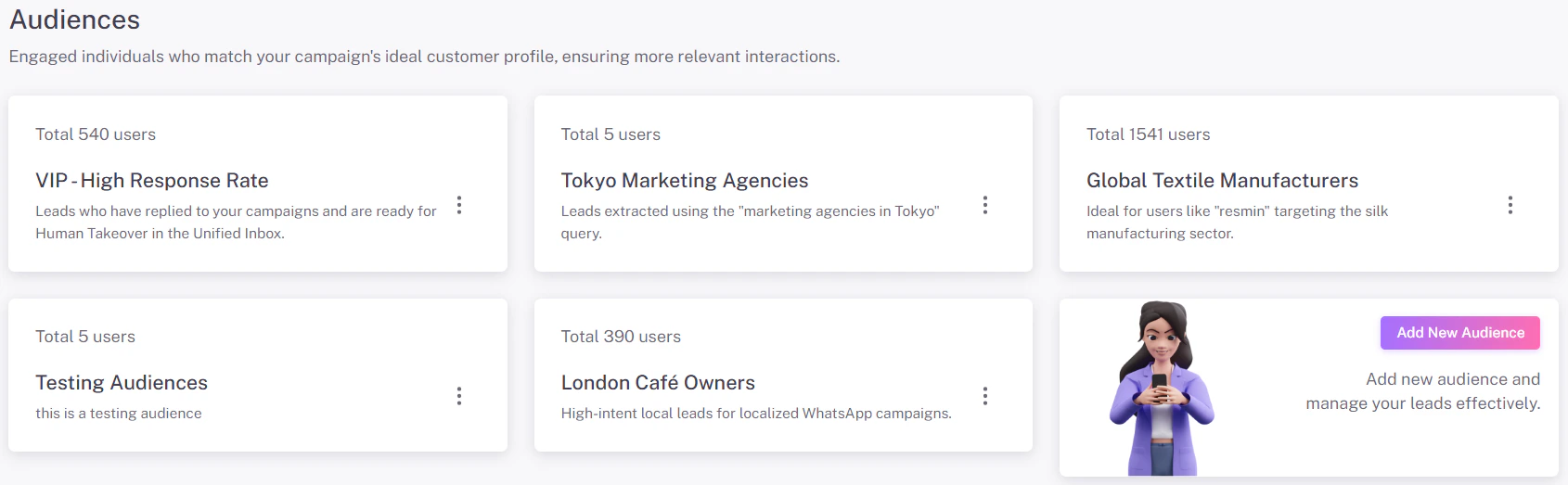
Leads are the people your Agents talk to. They are stored in your central database.- Sources: You can add leads by importing a CSV file or by extracting them from Google Maps.
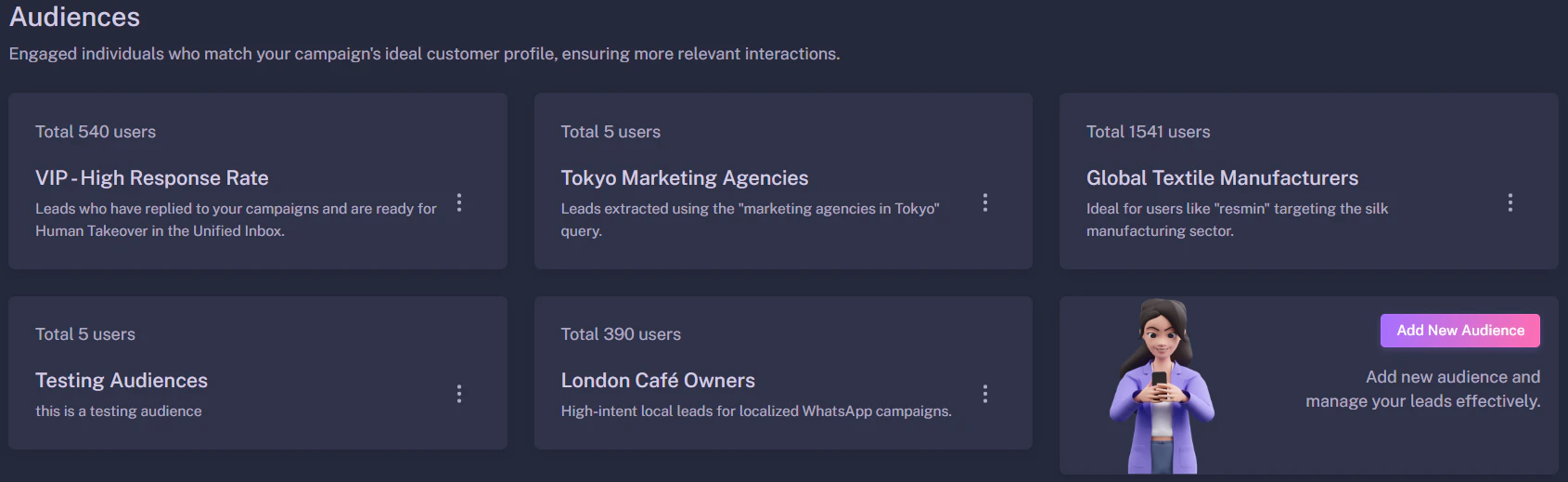
- Audiences: You can group leads into “Audiences” (e.g., “VIP Clients” vs. “Cold Prospects”) to target them with different campaigns.
5. Templates
Templates are pre-written message structures, primarily used for WhatsApp. Because WhatsApp prevents spam, you cannot send a random message to a new contact. You must use a pre-approved Template.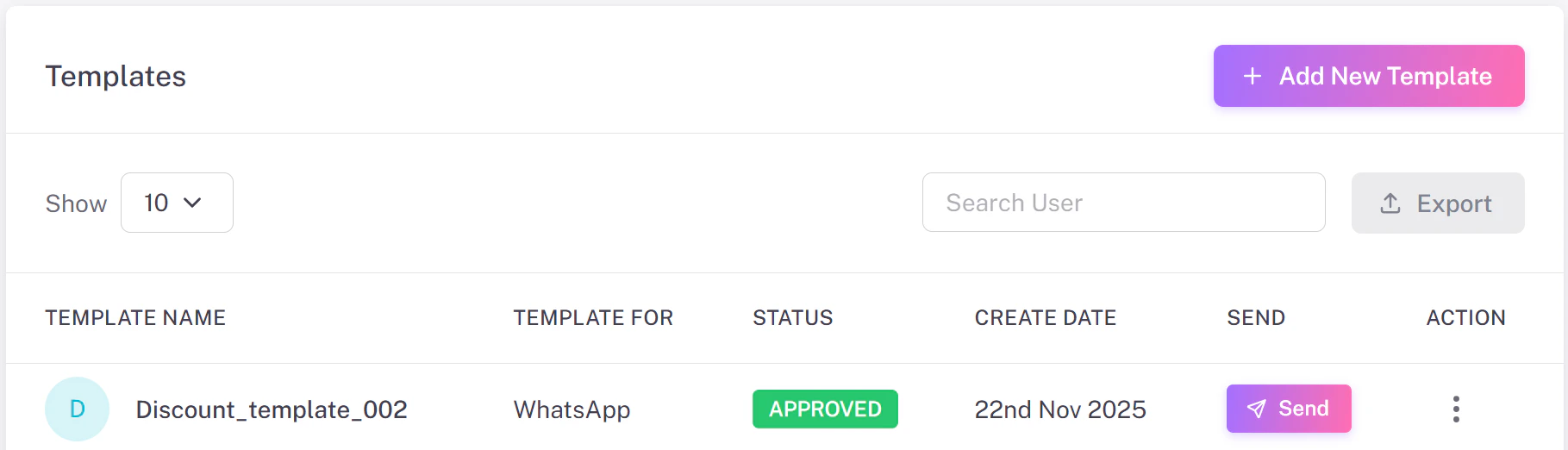
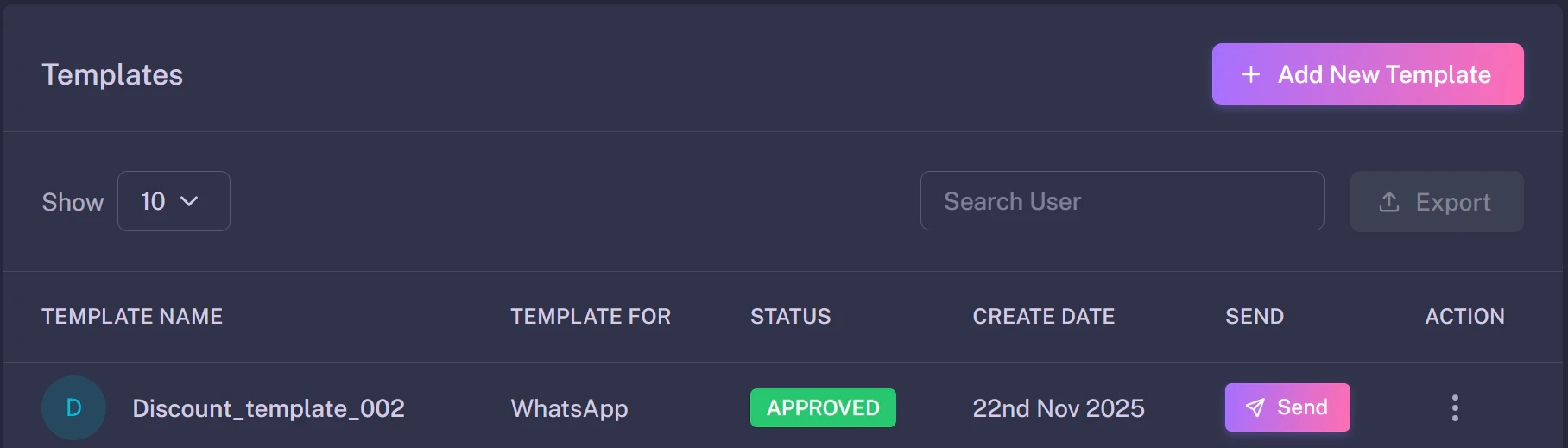
- Marketing Templates: Used for offers and promotions.
- Utility Templates: Used for updates and alerts.
Pro Tip: Once a lead replies to a template, the 24-hour session opens, and your AI Agent can chat freely without restrictions.