> ## Documentation Index
> Fetch the complete documentation index at: https://cybernauts.mintlify.site/llms.txt
> Use this file to discover all available pages before exploring further.
# Unified Inbox
> Manage replies from Email and WhatsApp in a single window.
When a lead replies to your automated campaign, the AI stops sending messages and hands the conversation over to you.
## The Conversations Tab
All replies land in the **Unified Inbox**. You don't need to check your Gmail or phone separately.
 ## How it Works
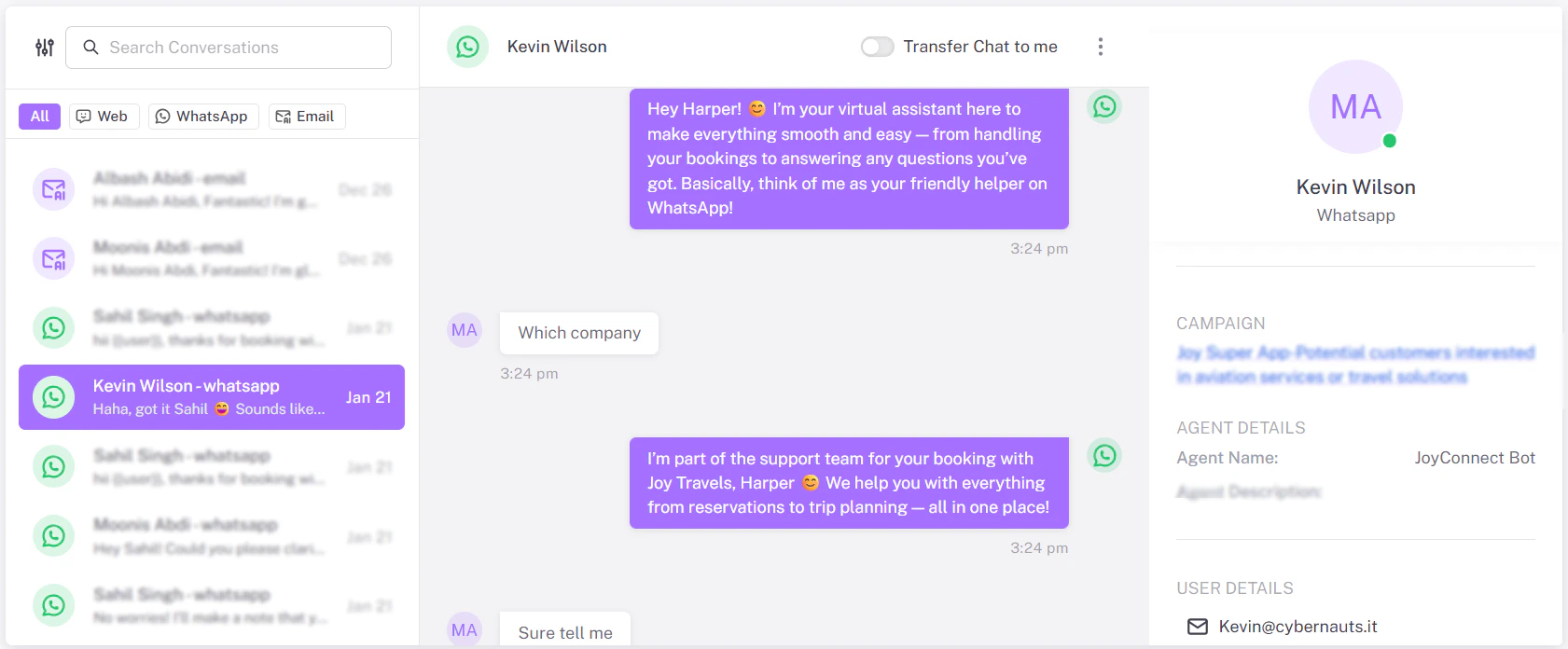
**1. The Left Sidebar**
This shows a list of all active conversations.
* **Icon:** Indicates the channel (Envelope = Email, Green Bubble = WhatsApp).
* **Name:** The lead's name.
* **Snippet:** The last message received.
**2. The Chat Window**
This looks just like a standard chat app. You can type your reply at the bottom and hit **Send**.
**Human Takeover:** Once you reply manually here, the automated "Flow" for that specific user is paused to prevent the bot from interrupting your human conversation.
## How it Works
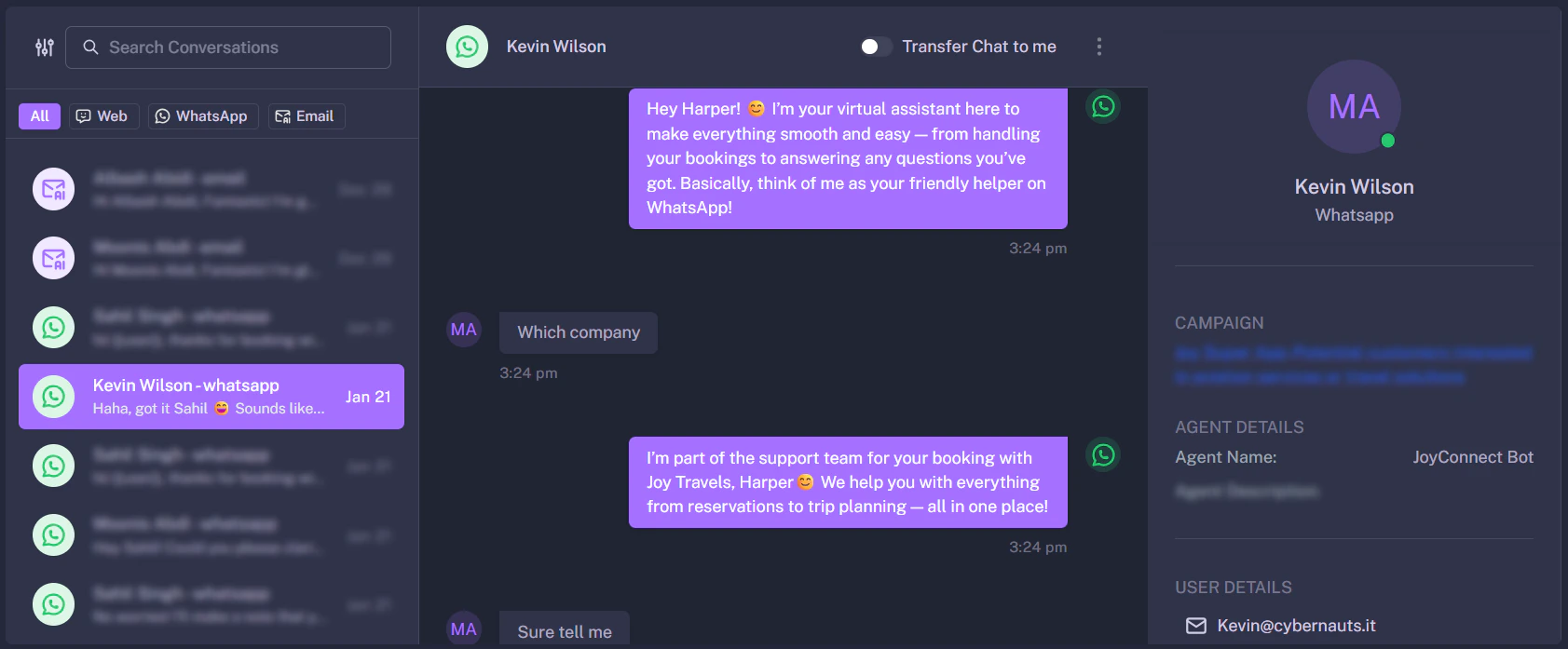
**1. The Left Sidebar**
This shows a list of all active conversations.
* **Icon:** Indicates the channel (Envelope = Email, Green Bubble = WhatsApp).
* **Name:** The lead's name.
* **Snippet:** The last message received.
**2. The Chat Window**
This looks just like a standard chat app. You can type your reply at the bottom and hit **Send**.
**Human Takeover:** Once you reply manually here, the automated "Flow" for that specific user is paused to prevent the bot from interrupting your human conversation.