> ## Documentation Index
> Fetch the complete documentation index at: https://cybernauts.mintlify.site/llms.txt
> Use this file to discover all available pages before exploring further.
# Campaign Metrics
> Track the success of your automations and agent performance.
The **Dashboard** is your command center. It tells you if your campaigns are working or if they need adjustment.
## Campaign Status
At the top of the dashboard, you will see four key counters:
* **Completed Automation:** Campaigns that have finished sending all messages.
* **Running Automation:** Campaigns currently active and sending.
* **Draft Automation:** Flows you have created but haven't launched yet.
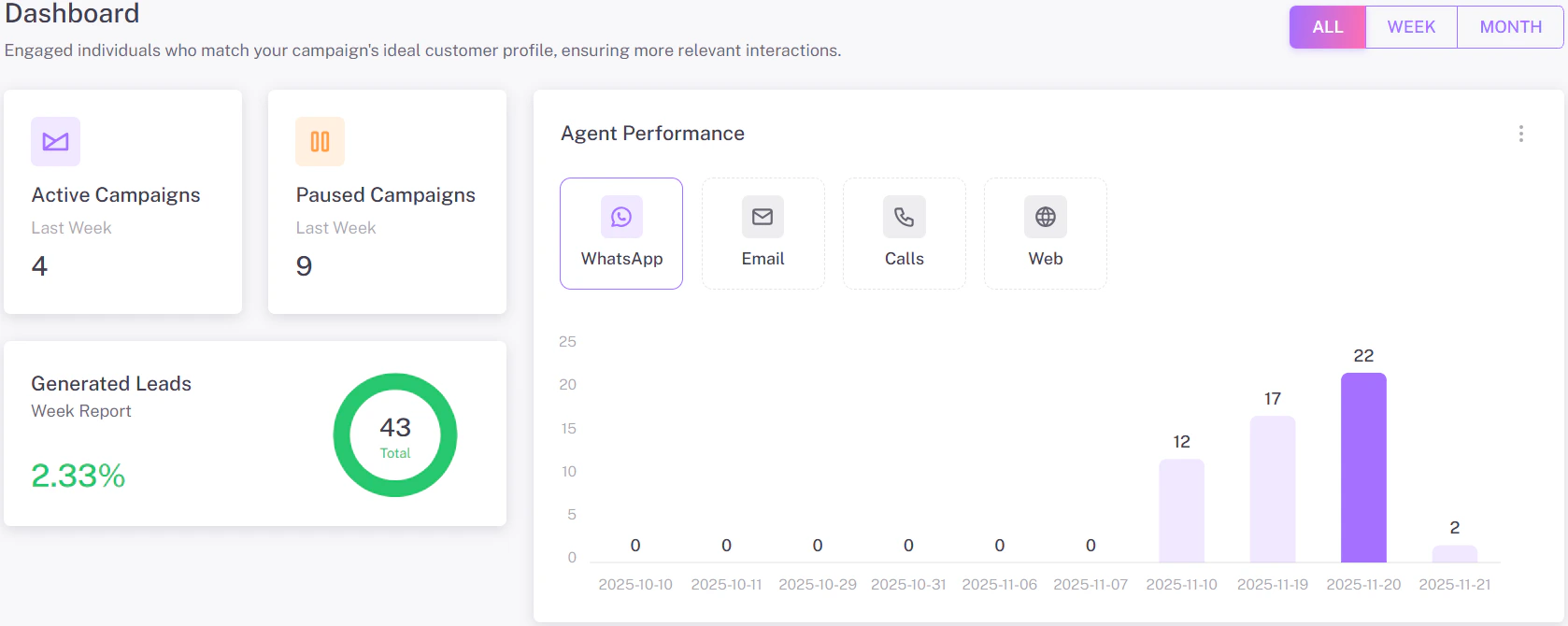
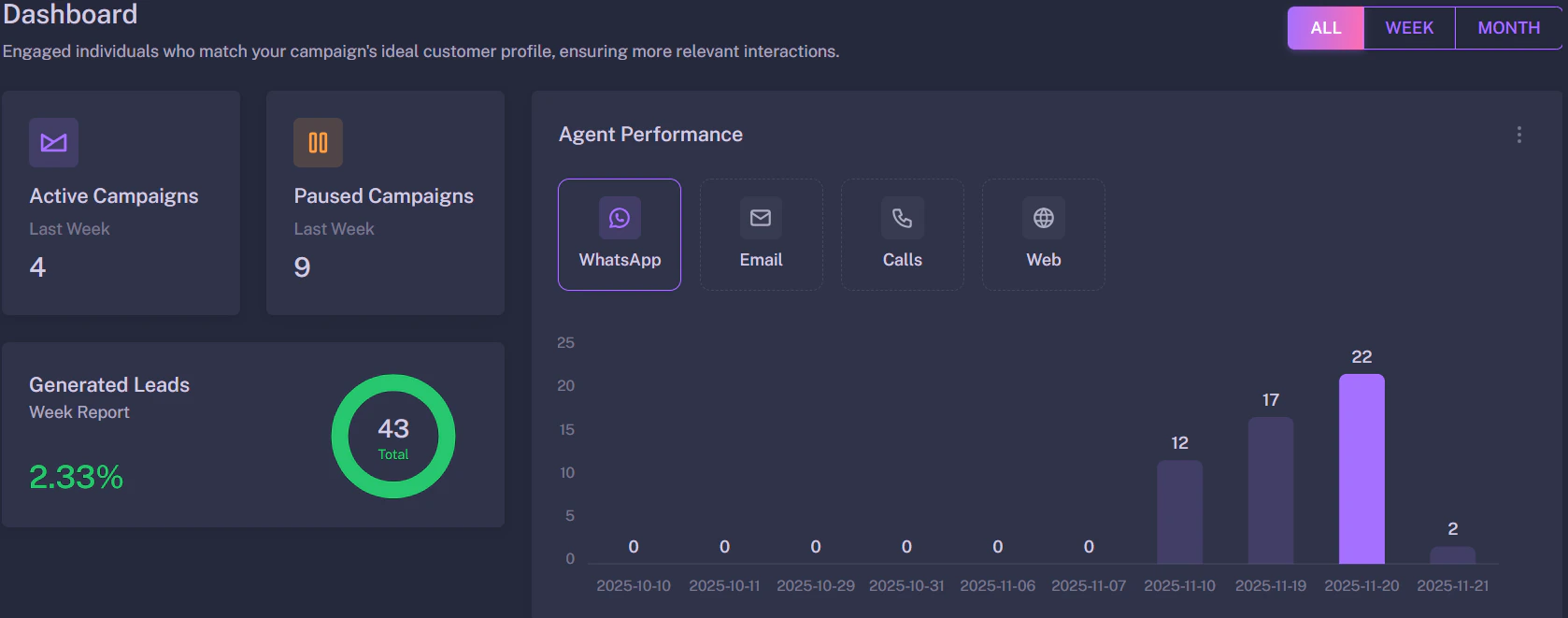
## Agent Performance
This graph shows you the effectiveness of your different channels.
{/* Save as 'performance-graph.png' */}
 ### How to Read This
* **Sent:** Total messages delivered.
* **Opened:** (Email Only) How many people opened your email.
* **Replied:** The most important metric. This shows how many leads are interested.
**Optimization:** If your "Opened" rate is high but "Replied" is low, try changing your message content (Template) to be more engaging.
### How to Read This
* **Sent:** Total messages delivered.
* **Opened:** (Email Only) How many people opened your email.
* **Replied:** The most important metric. This shows how many leads are interested.
**Optimization:** If your "Opened" rate is high but "Replied" is low, try changing your message content (Template) to be more engaging.