> ## Documentation Index
> Fetch the complete documentation index at: https://cybernauts.mintlify.site/llms.txt
> Use this file to discover all available pages before exploring further.
# Importing CSV/Excel
> How to bulk upload your existing customer lists into Flowiz.
If you already have a list of clients (e.g., from an old CRM or a trade show), you can upload them directly.
## The Upload Process
1. Navigate to the **Leads** tab.
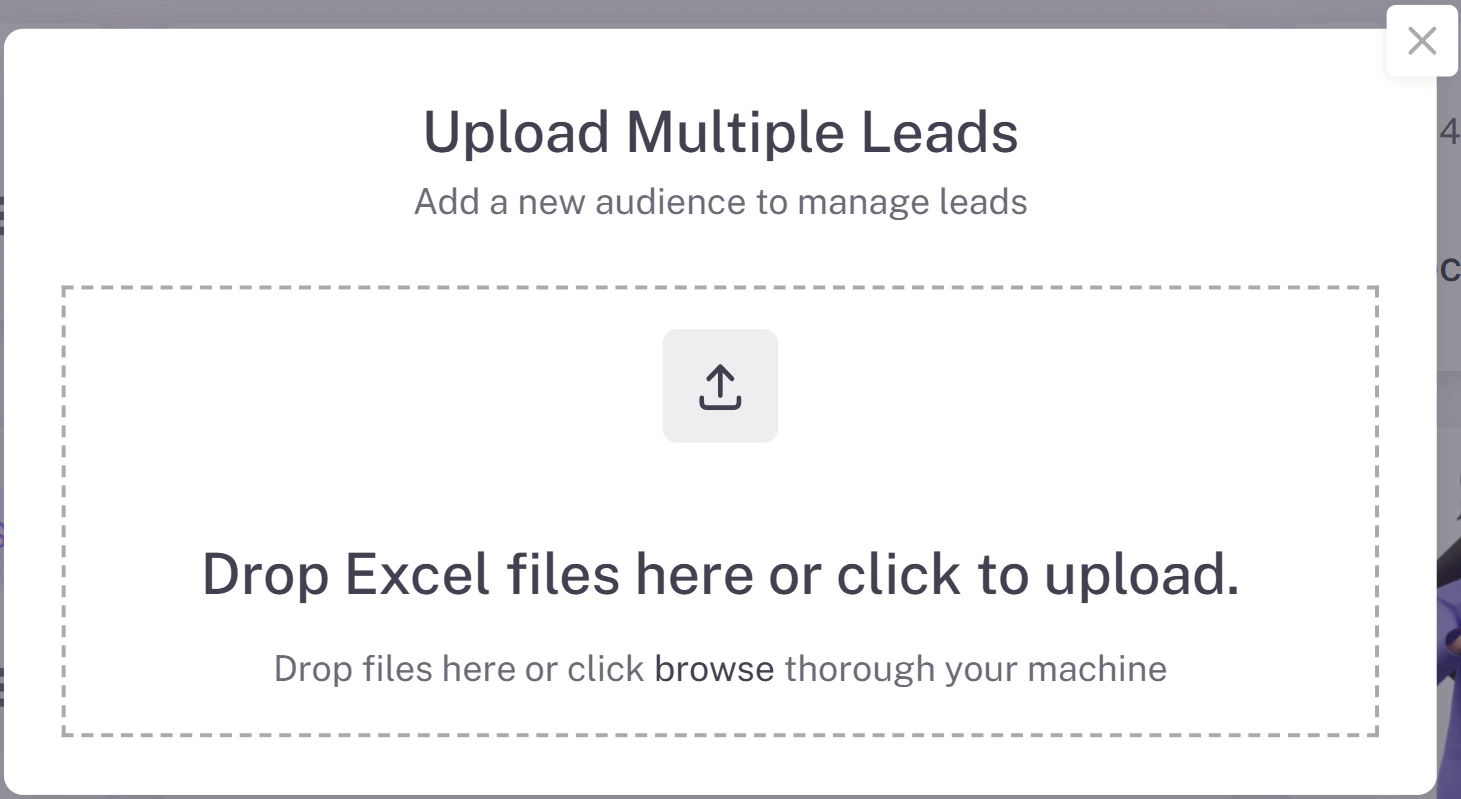
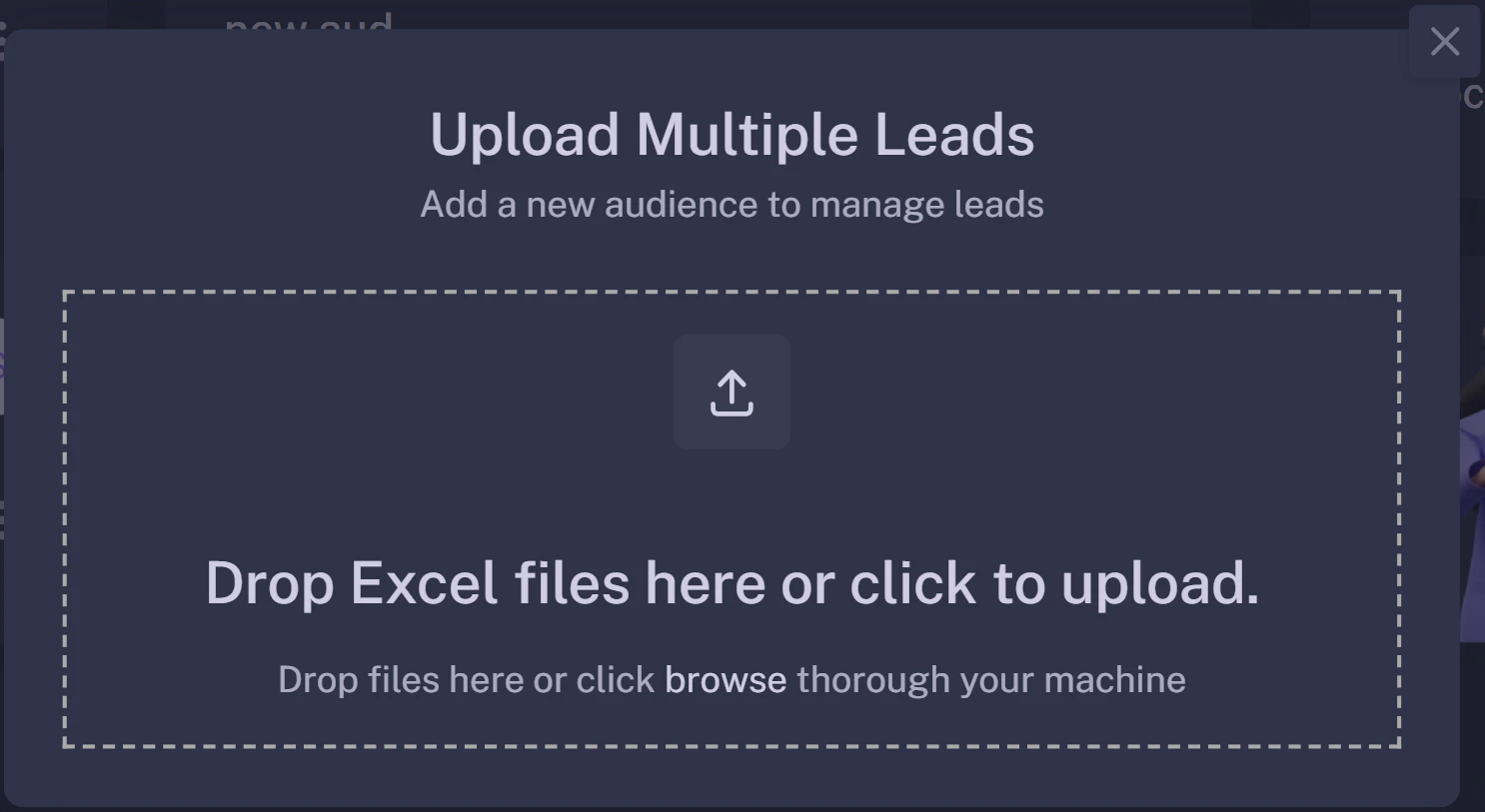
2. Click the purple **+ Add Multiple Leads** button on the right side.
{/* Save as 'upload-popup.png' */}
 ## File Formatting
For the best results, ensure your Excel or CSV file has clear headers in the first row.
| Recommended Header | Description |
| :----------------- | :---------------------------------------------------------- |
| `Name` | The full name of the prospect. |
| `Email` | Essential for Email Agents. |
| `Phone` | Essential for WhatsApp/Call Agents (include Country Code!). |
| `Company` | Useful for AI personalization. |
**Phone Number Format:** Flowiz works best when phone numbers include the country code (e.g., `+919876543210` instead of just `9876543210`).
## File Formatting
For the best results, ensure your Excel or CSV file has clear headers in the first row.
| Recommended Header | Description |
| :----------------- | :---------------------------------------------------------- |
| `Name` | The full name of the prospect. |
| `Email` | Essential for Email Agents. |
| `Phone` | Essential for WhatsApp/Call Agents (include Country Code!). |
| `Company` | Useful for AI personalization. |
**Phone Number Format:** Flowiz works best when phone numbers include the country code (e.g., `+919876543210` instead of just `9876543210`).