> ## Documentation Index
> Fetch the complete documentation index at: https://cybernauts.mintlify.site/llms.txt
> Use this file to discover all available pages before exploring further.

# Zoho Mail

> Configure Zoho Mail IMAP access and App Passwords.

Zoho Mail is popular for businesses, but it strictly separates "User Passwords" from "App Passwords."

## 1. Enable IMAP Access

1. Log in to Zoho Mail.
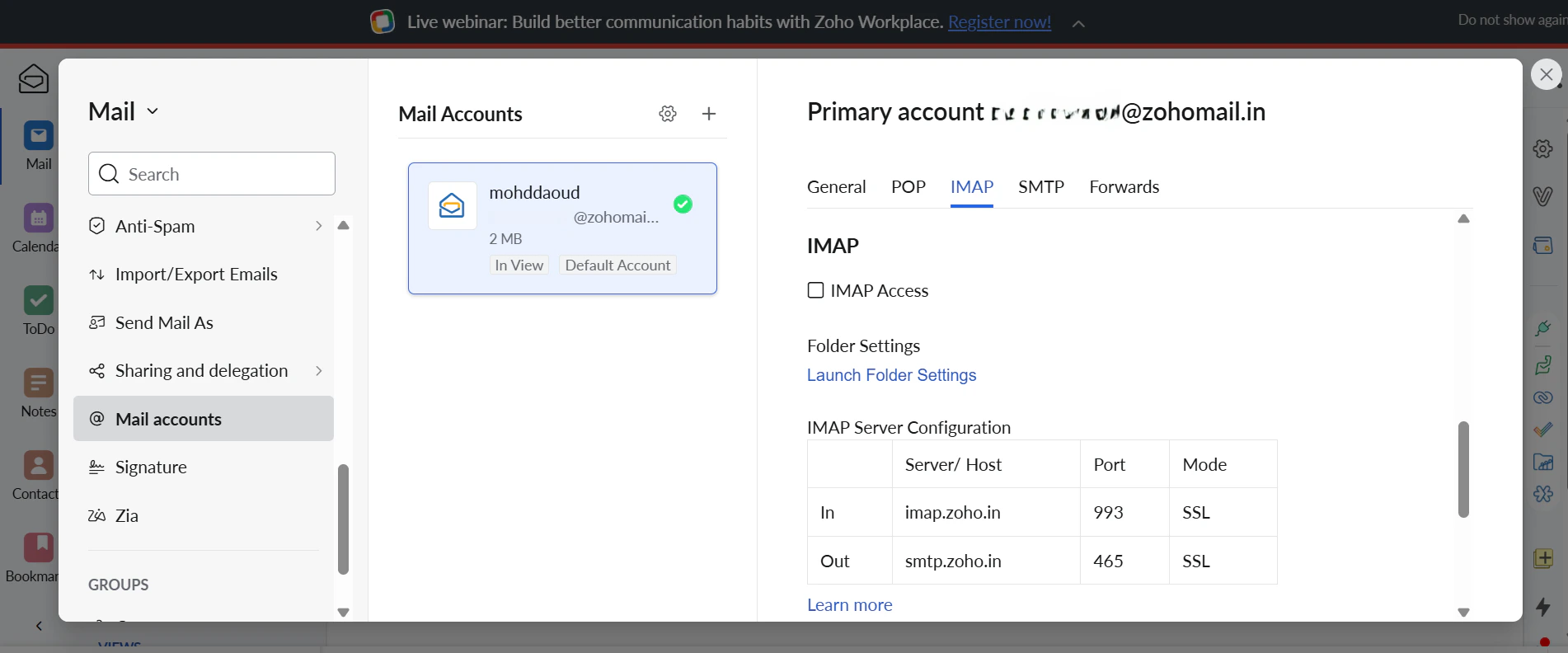
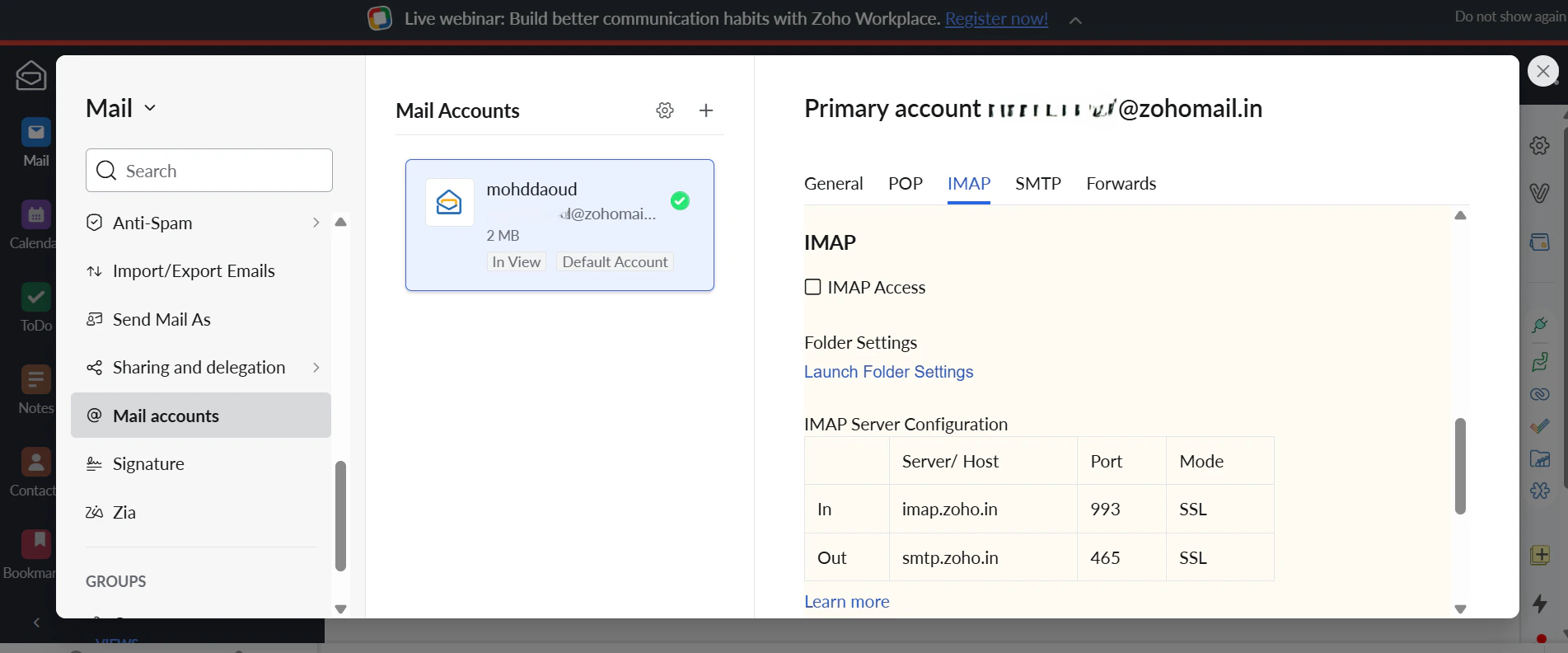
2. Click the **Gear Icon** (Settings).
3. Go to **Mail Accounts** and find the **IMAP** section.
4. Ensure the **IMAP Access** checkbox is **Checked**.
<img className="block dark:hidden" src="https://mintcdn.com/cybernauts/cAMfP52TnEhGwnDO/images/zoho-imap-light.png?fit=max&auto=format&n=cAMfP52TnEhGwnDO&q=85&s=46de46aaf806deeafe9645068c03881e" alt="Zoho IMAP Settings Light" width="1902" height="792" data-path="images/zoho-imap-light.png" />

<img className="hidden dark:block" src="https://mintcdn.com/cybernauts/cAMfP52TnEhGwnDO/images/zoho-imap-dark.png?fit=max&auto=format&n=cAMfP52TnEhGwnDO&q=85&s=190fcd7d5844dda058b0e39a48b7d13e" alt="Zoho IMAP Settings Dark" width="1903" height="792" data-path="images/zoho-imap-dark.png" />
