> ## Documentation Index
> Fetch the complete documentation index at: https://cybernauts.mintlify.site/llms.txt
> Use this file to discover all available pages before exploring further.
# Gmail / G-Suite
> Connect your Google account to Flowiz using App Passwords.
Google requires a specific security setup to allow third-party tools like Flowiz to send and receive emails. You cannot use your standard login password.
## 1. Enable IMAP
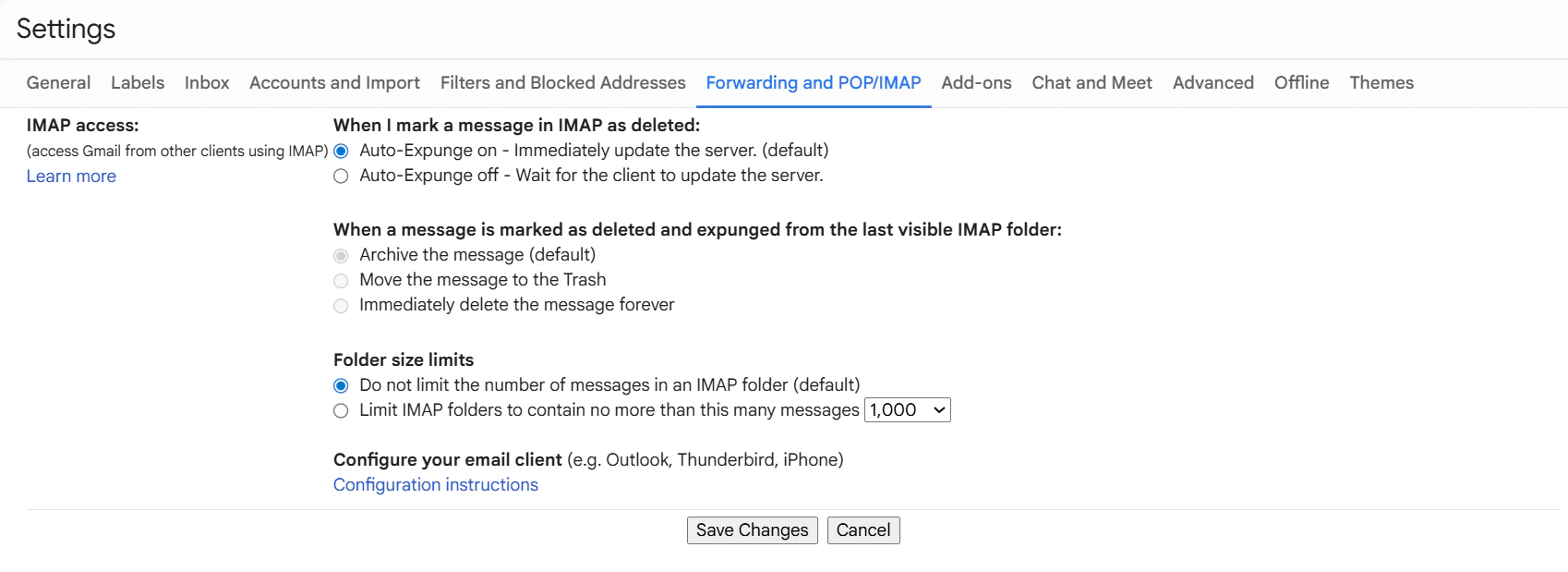
First, tell Gmail to allow external connections.
1. Open Gmail and click the **Gear Icon** (top right) -> **See all settings**.
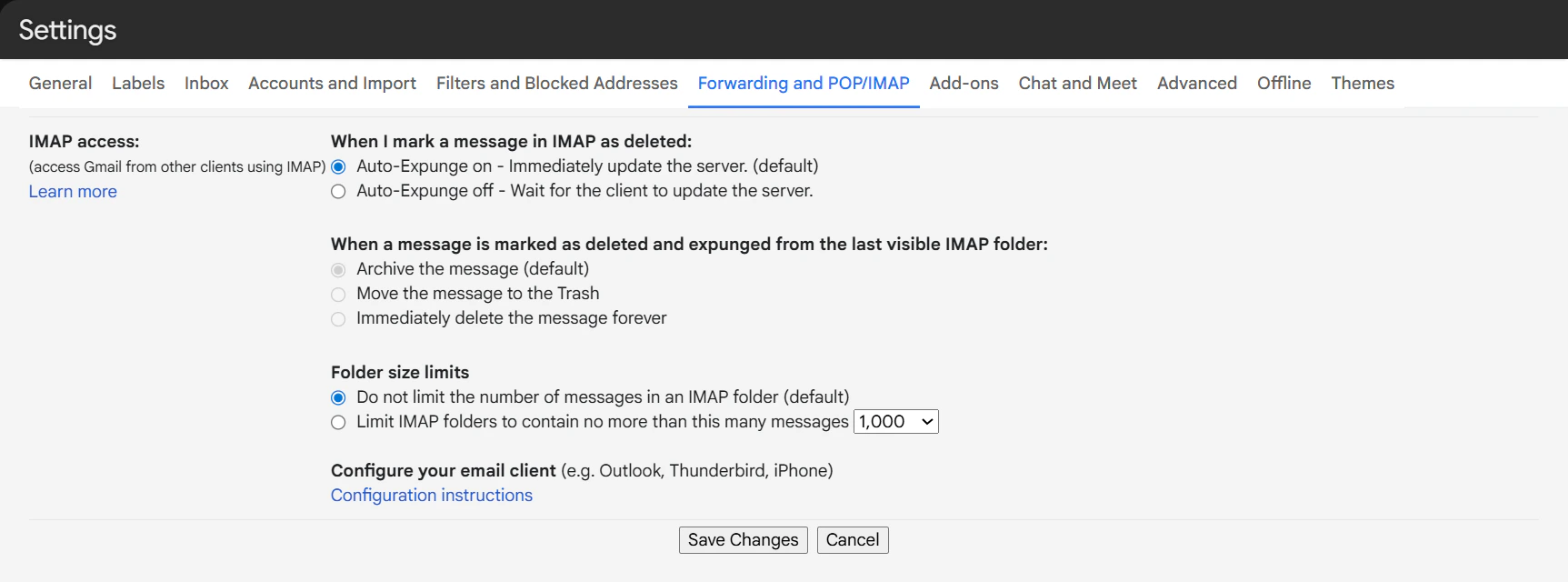
2. Click the **Forwarding and POP/IMAP** tab.
3. Scroll to **IMAP access** and select **Enable IMAP**.
4. Click **Save Changes** at the bottom.
 ## 2. Generate App Password
Since you likely have 2-Step Verification on, you need a special password for Flowiz.
1. Go to your [Google Account Security Page](https://myaccount.google.com/security).
2. Ensure **2-Step Verification** is turned **ON**.
3. In the search bar, type **"App Passwords"** and select it.
4. **App Name:** Type `Flowiz` and click **Create**.
5. **Copy the 16-character code** (e.g., `xxxx xxxx xxxx xxxx`).
## 2. Generate App Password
Since you likely have 2-Step Verification on, you need a special password for Flowiz.
1. Go to your [Google Account Security Page](https://myaccount.google.com/security).
2. Ensure **2-Step Verification** is turned **ON**.
3. In the search bar, type **"App Passwords"** and select it.
4. **App Name:** Type `Flowiz` and click **Create**.
5. **Copy the 16-character code** (e.g., `xxxx xxxx xxxx xxxx`).
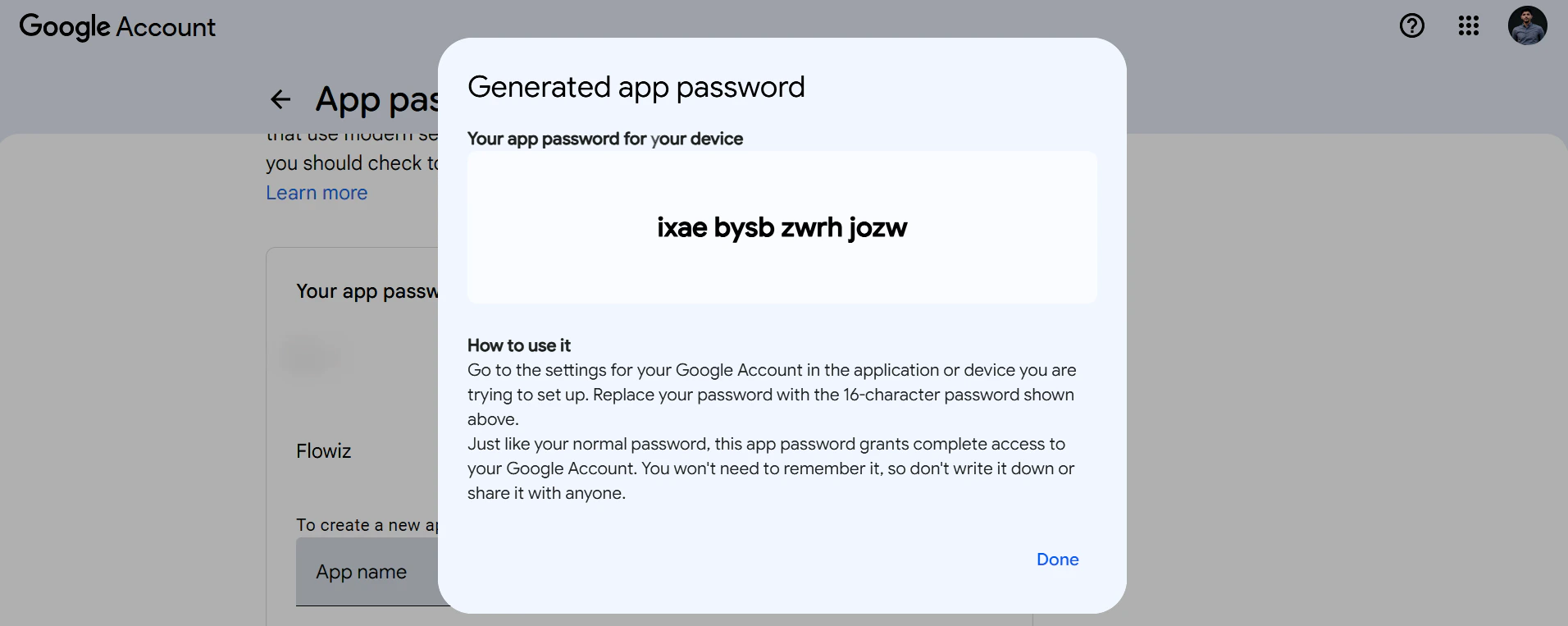 **Action:** Go back to Flowiz. In the Email Agent settings, enter your Gmail address and paste this **16-character code** into the Password field.