> ## Documentation Index
> Fetch the complete documentation index at: https://cybernauts.mintlify.site/llms.txt
> Use this file to discover all available pages before exploring further.
# Core Concepts
> Understand the five building blocks of Flowiz: Recipes, Agents, Flows, Leads, and Templates.
To use Flowiz effectively, you need to understand five main terms. Think of Flowiz like a digital agency:
1. **Recipes** are the instruction manuals.
2. **Agents** are your workers.
3. **Flows** are the active jobs.
4. **Leads** are the customers.
5. **Templates** are the approved scripts.
## 1. Recipes
A **Recipe** is a pre-built template for a campaign. Instead of building a workflow from scratch, you select a Recipe that matches your goal.
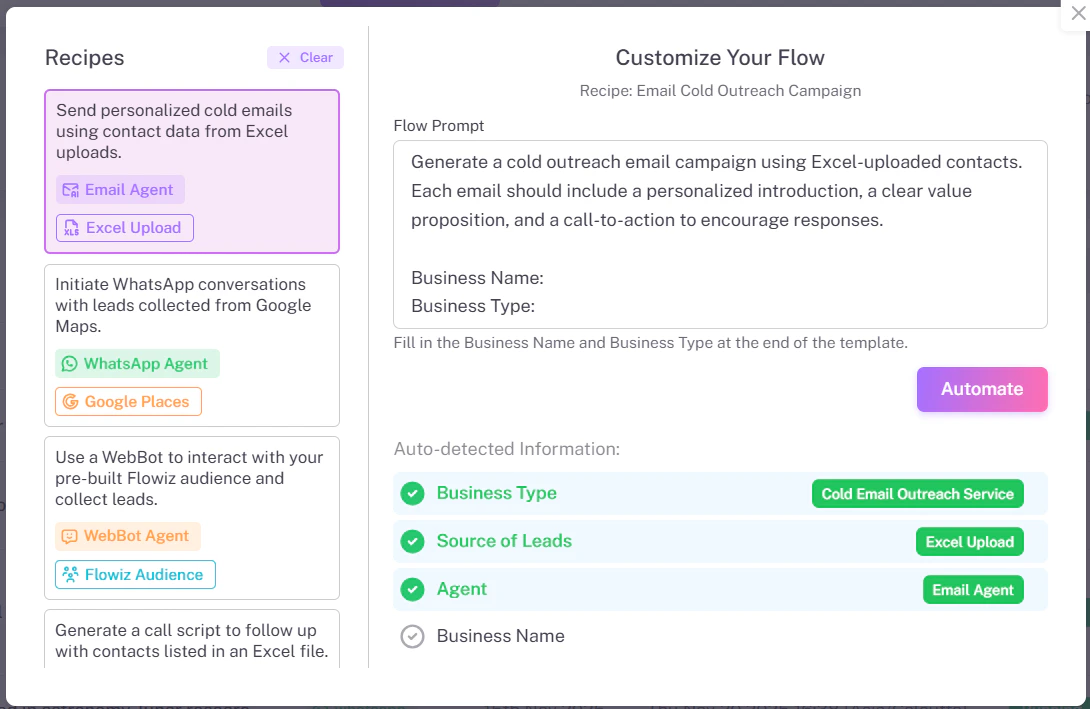
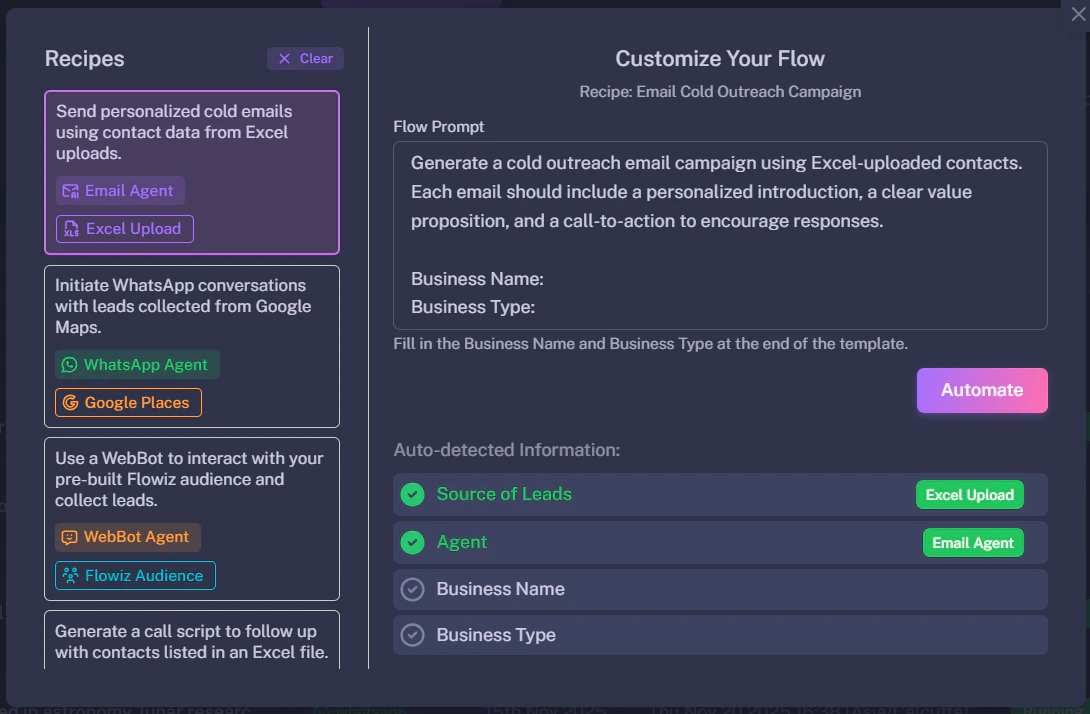 Common Recipes include:
* **Cold Email Outreach:** Extract leads from Excel -> Send Email -> Wait 2 days -> Follow up.
* **WhatsApp Blaster:** Extract from Google Maps -> Verify Phone -> Send WhatsApp Message.
## 2. AI Agents
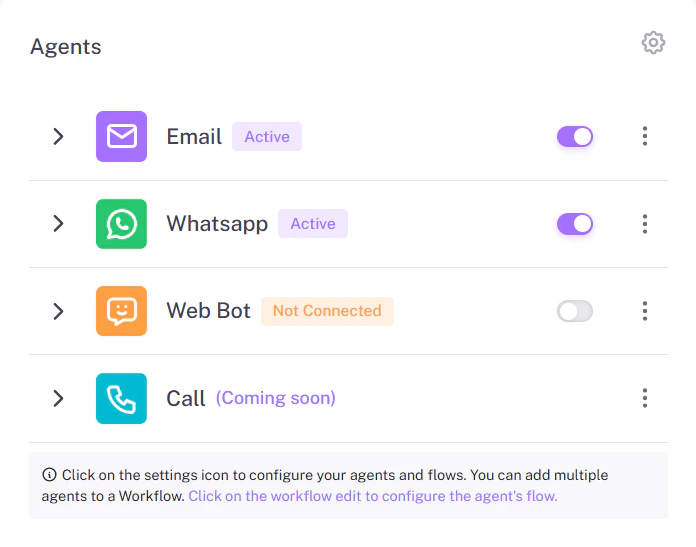
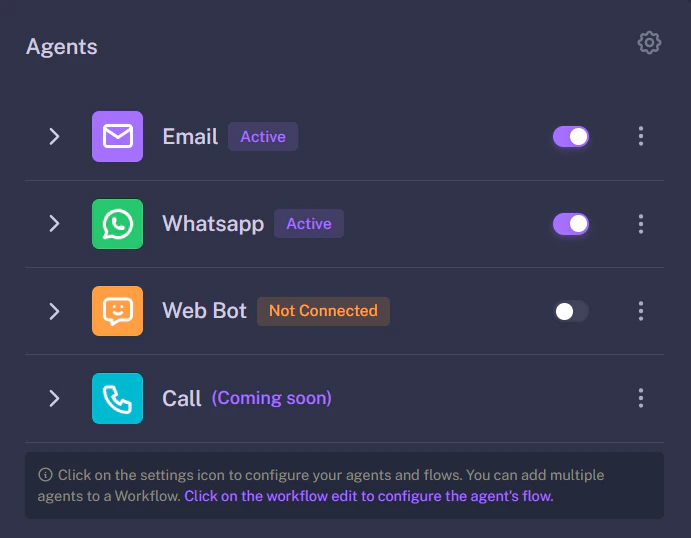
Agents are specialized bots designed to handle specific communication channels. You don't write scripts for them; you just turn them on and give them a personality.
Common Recipes include:
* **Cold Email Outreach:** Extract leads from Excel -> Send Email -> Wait 2 days -> Follow up.
* **WhatsApp Blaster:** Extract from Google Maps -> Verify Phone -> Send WhatsApp Message.
## 2. AI Agents
Agents are specialized bots designed to handle specific communication channels. You don't write scripts for them; you just turn them on and give them a personality.
 | Agent Type | Function | Best For |
| :----------------- | :-------------------------------------------------- | :--------------------- |
| **Email Agent** | Sends cold emails, follow-ups, and manages replies. | B2B Sales, Newsletters |
| **WhatsApp Agent** | Sends instant messages and handles 24/7 chat. | High-response offers |
| **WebBot** | Sits on your website to answer visitor questions. | Inbound Support |
## 3. Flows
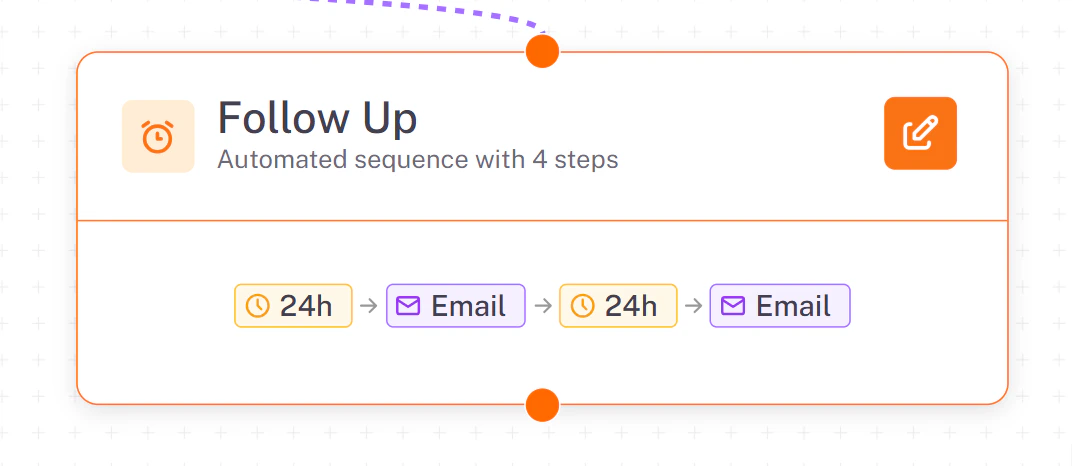
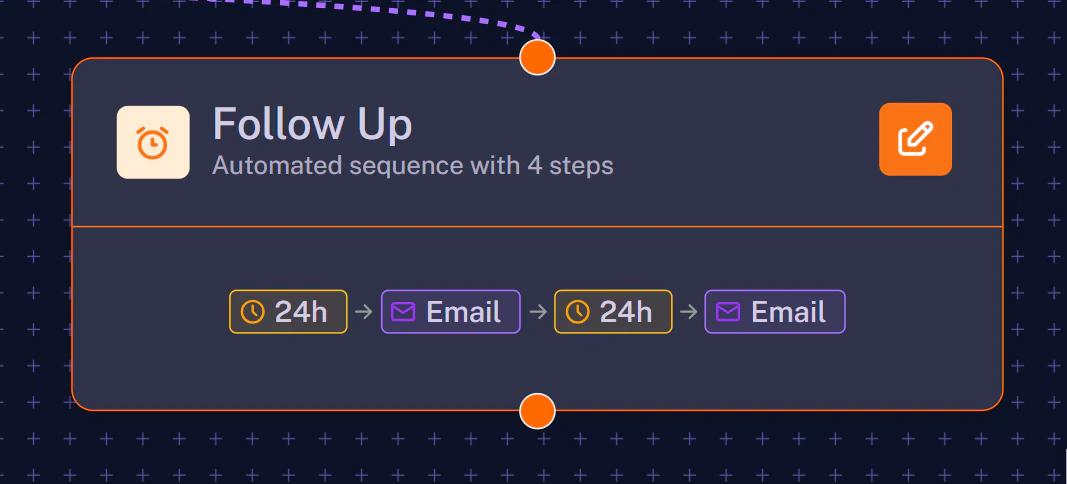
A **Flow** is a live automation. Once you select a Recipe and click "Automate", it becomes a Flow.
You can visualize a Flow as a series of connected steps on a canvas. It contains the logic, such as delays (e.g., *"Wait 2 Days"*) and conditions (e.g., *"If user replies, stop"*).
| Agent Type | Function | Best For |
| :----------------- | :-------------------------------------------------- | :--------------------- |
| **Email Agent** | Sends cold emails, follow-ups, and manages replies. | B2B Sales, Newsletters |
| **WhatsApp Agent** | Sends instant messages and handles 24/7 chat. | High-response offers |
| **WebBot** | Sits on your website to answer visitor questions. | Inbound Support |
## 3. Flows
A **Flow** is a live automation. Once you select a Recipe and click "Automate", it becomes a Flow.
You can visualize a Flow as a series of connected steps on a canvas. It contains the logic, such as delays (e.g., *"Wait 2 Days"*) and conditions (e.g., *"If user replies, stop"*).
 ## 4. Leads
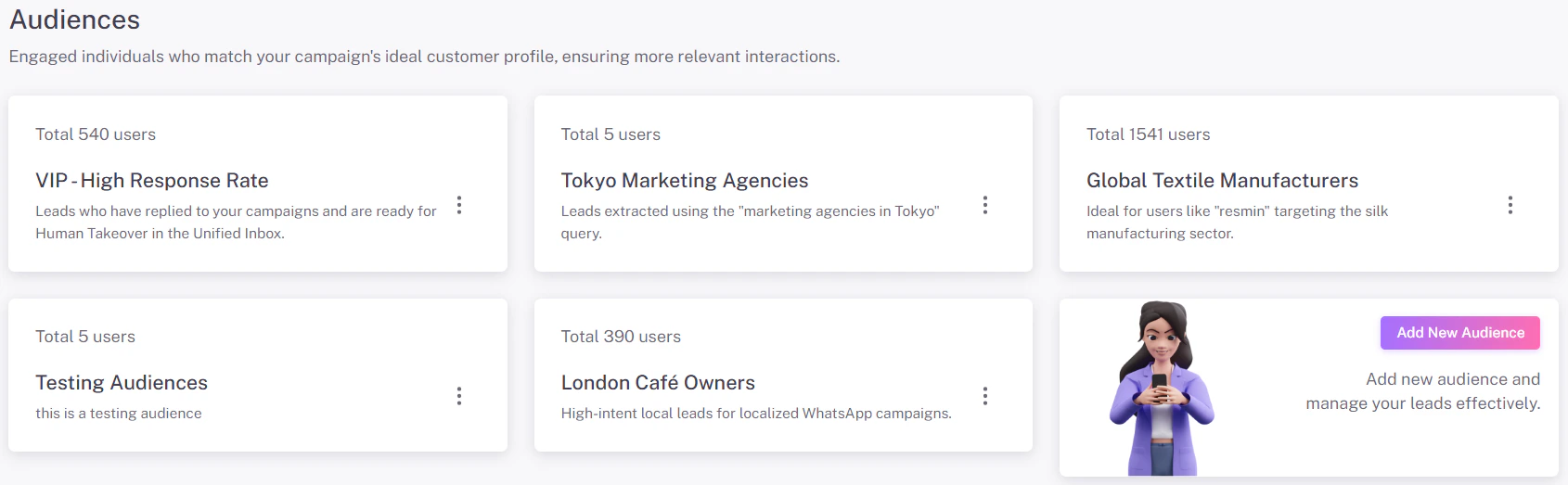
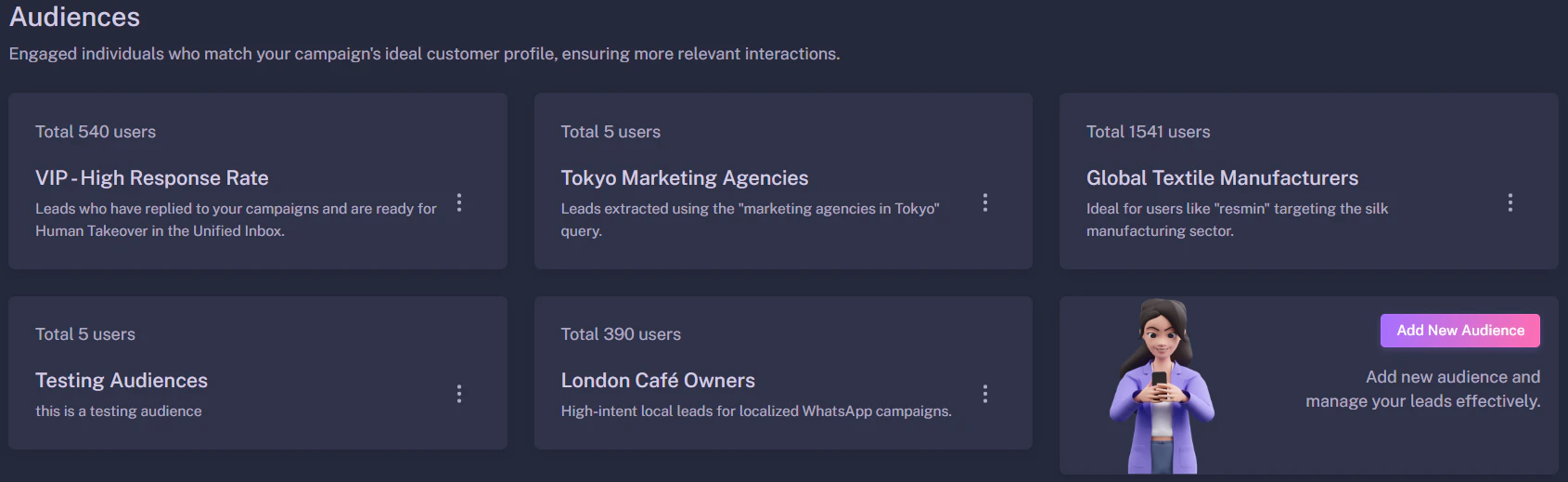
**Leads** are the people your Agents talk to. They are stored in your central database.
* **Sources:** You can add leads by importing a CSV file or by extracting them from Google Maps.
* **Audiences:** You can group leads into "Audiences" (e.g., "VIP Clients" vs. "Cold Prospects") to target them with different campaigns.
## 4. Leads
**Leads** are the people your Agents talk to. They are stored in your central database.
* **Sources:** You can add leads by importing a CSV file or by extracting them from Google Maps.
* **Audiences:** You can group leads into "Audiences" (e.g., "VIP Clients" vs. "Cold Prospects") to target them with different campaigns.
 ## 5. Templates
**Templates** are pre-written message structures, primarily used for **WhatsApp**.
Because WhatsApp prevents spam, you cannot send a random message to a new contact. You must use a pre-approved **Template**.
## 5. Templates
**Templates** are pre-written message structures, primarily used for **WhatsApp**.
Because WhatsApp prevents spam, you cannot send a random message to a new contact. You must use a pre-approved **Template**.
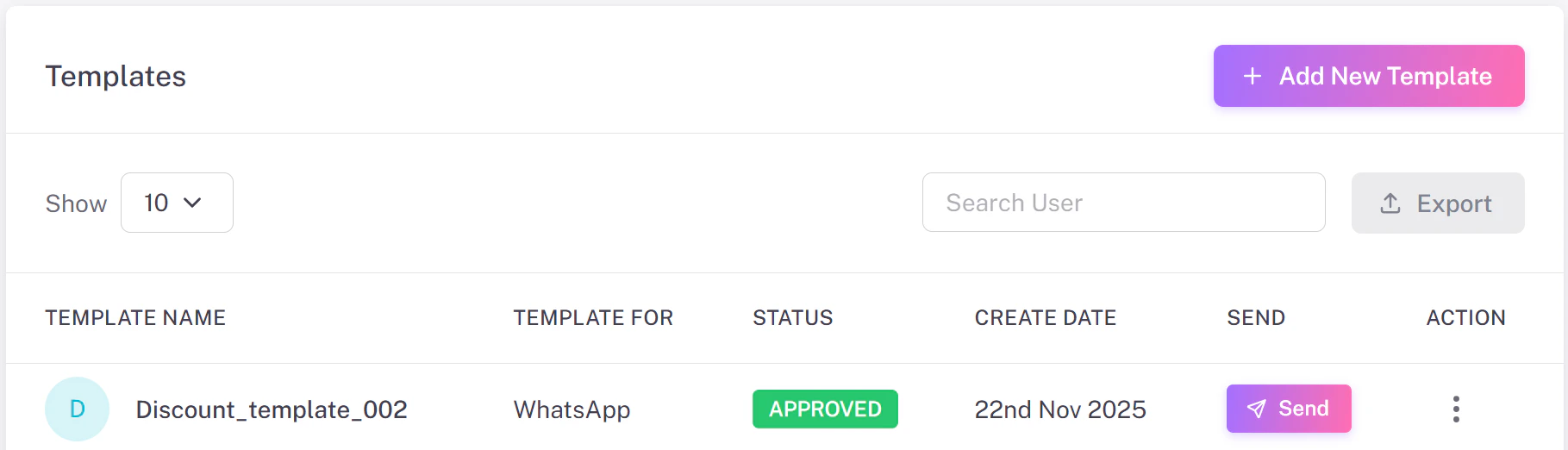
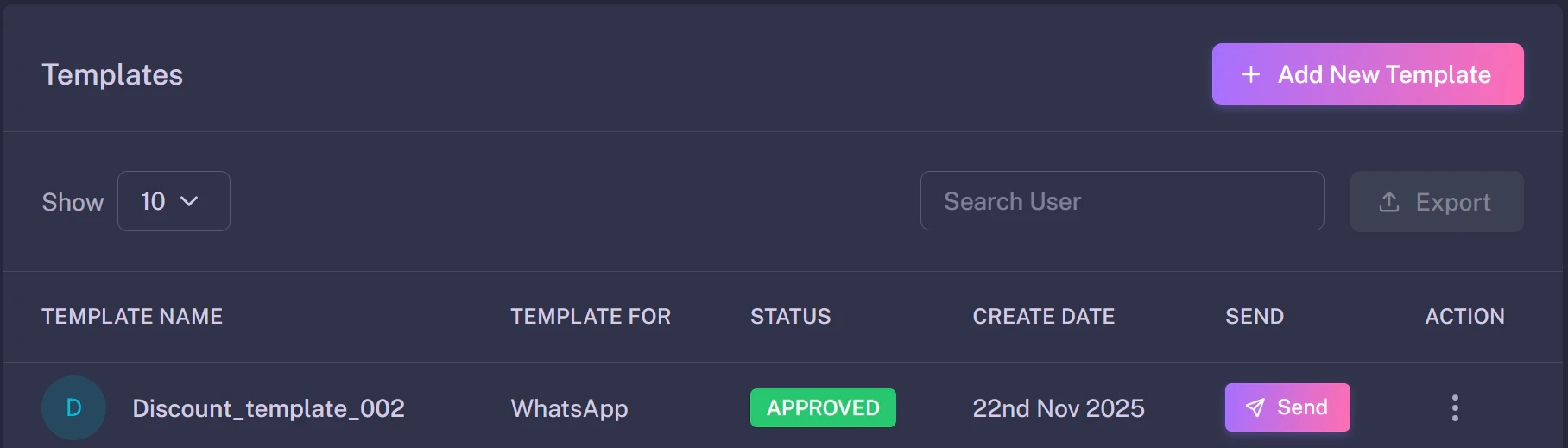 * **Marketing Templates:** Used for offers and promotions.
* **Utility Templates:** Used for updates and alerts.
**Pro Tip:** Once a lead replies to a template, the 24-hour session opens, and your AI Agent can chat freely without restrictions.
* **Marketing Templates:** Used for offers and promotions.
* **Utility Templates:** Used for updates and alerts.
**Pro Tip:** Once a lead replies to a template, the 24-hour session opens, and your AI Agent can chat freely without restrictions.