> ## Documentation Index
> Fetch the complete documentation index at: https://cybernauts.mintlify.site/llms.txt
> Use this file to discover all available pages before exploring further.
# Logic & Delays
> Control the timing and decision-making of your automation flow.
A linear campaign (Step 1 -> Step 2) is simple, but real sales require **Logic**. You need to treat people differently based on how they behave.
## The Delay Node
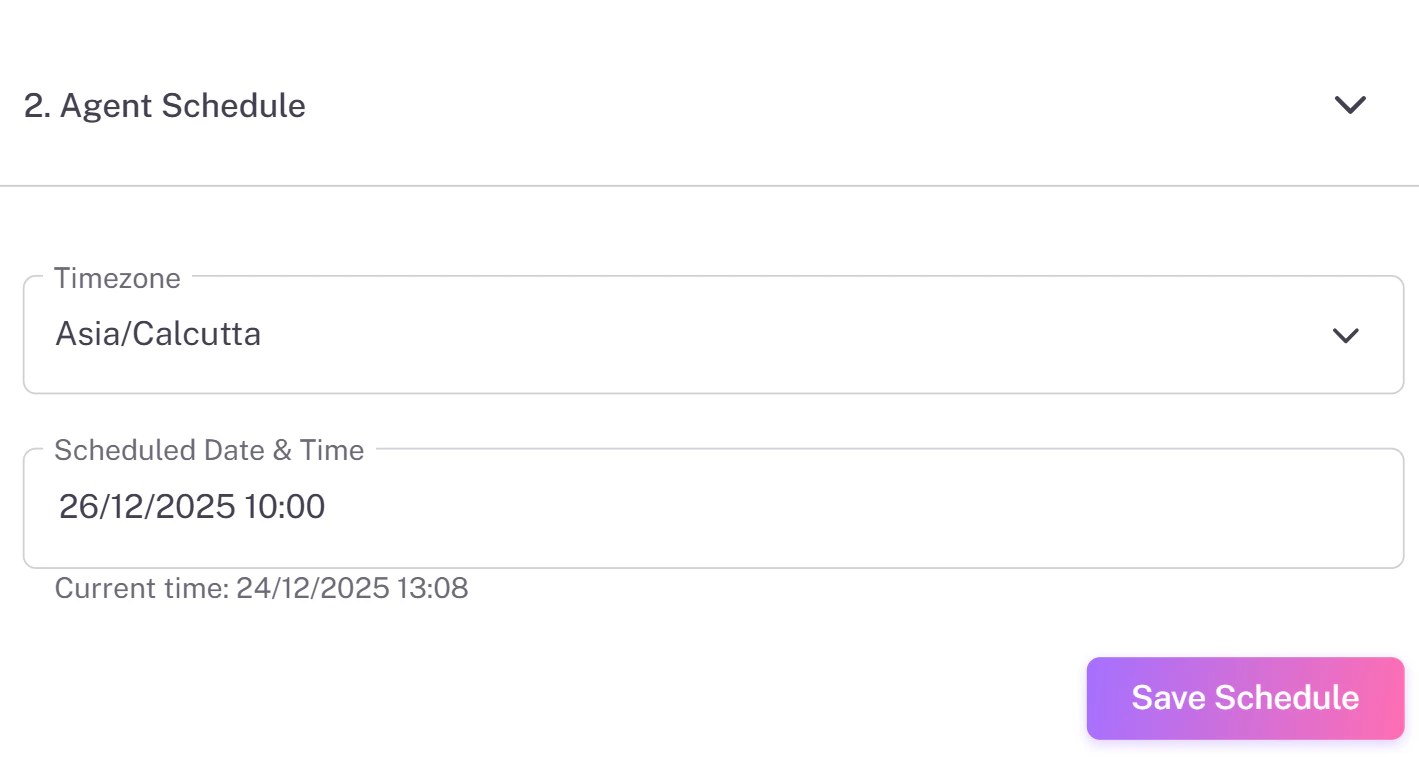
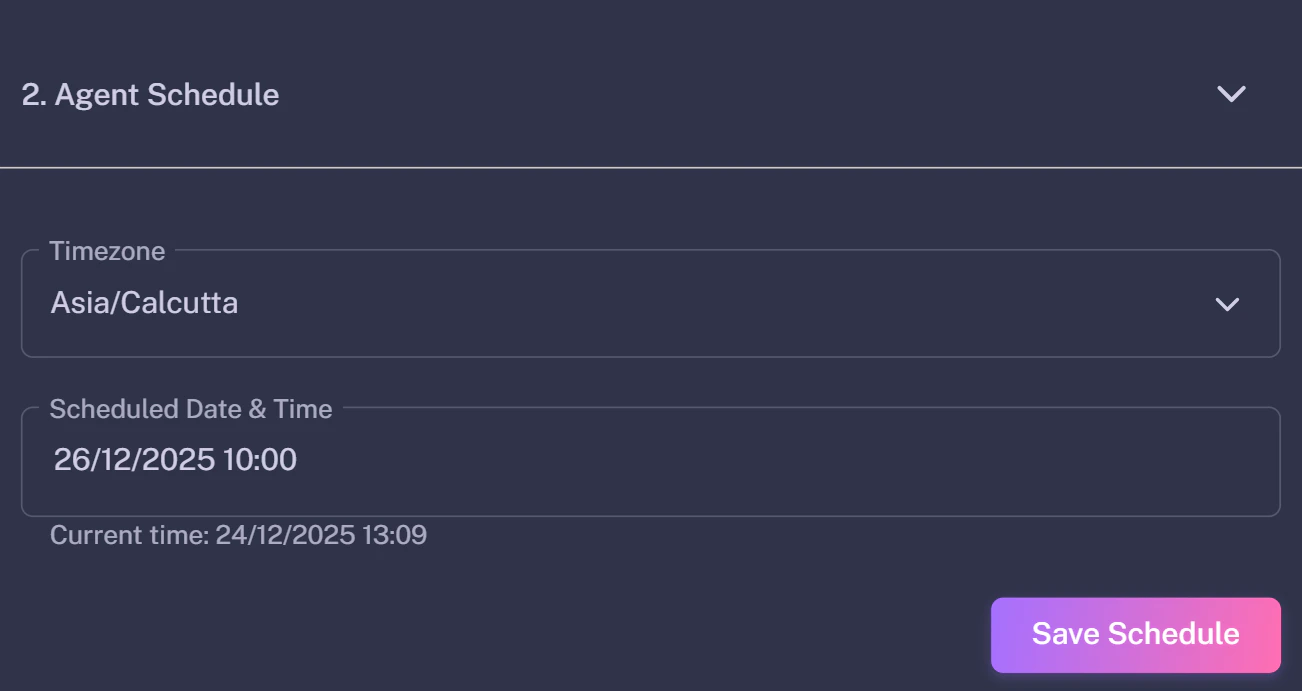
The Delay Node (Clock Icon) pauses the automation for a specific amount of time. This is crucial for "drip campaigns" where you don't want to spam the user.
{/* Save as 'delay-settings.png' */}
 **Common Uses:**
* **Wait 2 Days:** Before sending a follow-up email.
* **Wait 15 Minutes:** Between extracting a lead and sending a WhatsApp message (to look natural).
## The Logic Node (Decision)
The Logic Node (Diamond Icon) splits your flow into two paths: **YES** and **NO**.
{/* Save as 'logic-node.png' */}
**Common Uses:**
* **Wait 2 Days:** Before sending a follow-up email.
* **Wait 15 Minutes:** Between extracting a lead and sending a WhatsApp message (to look natural).
## The Logic Node (Decision)
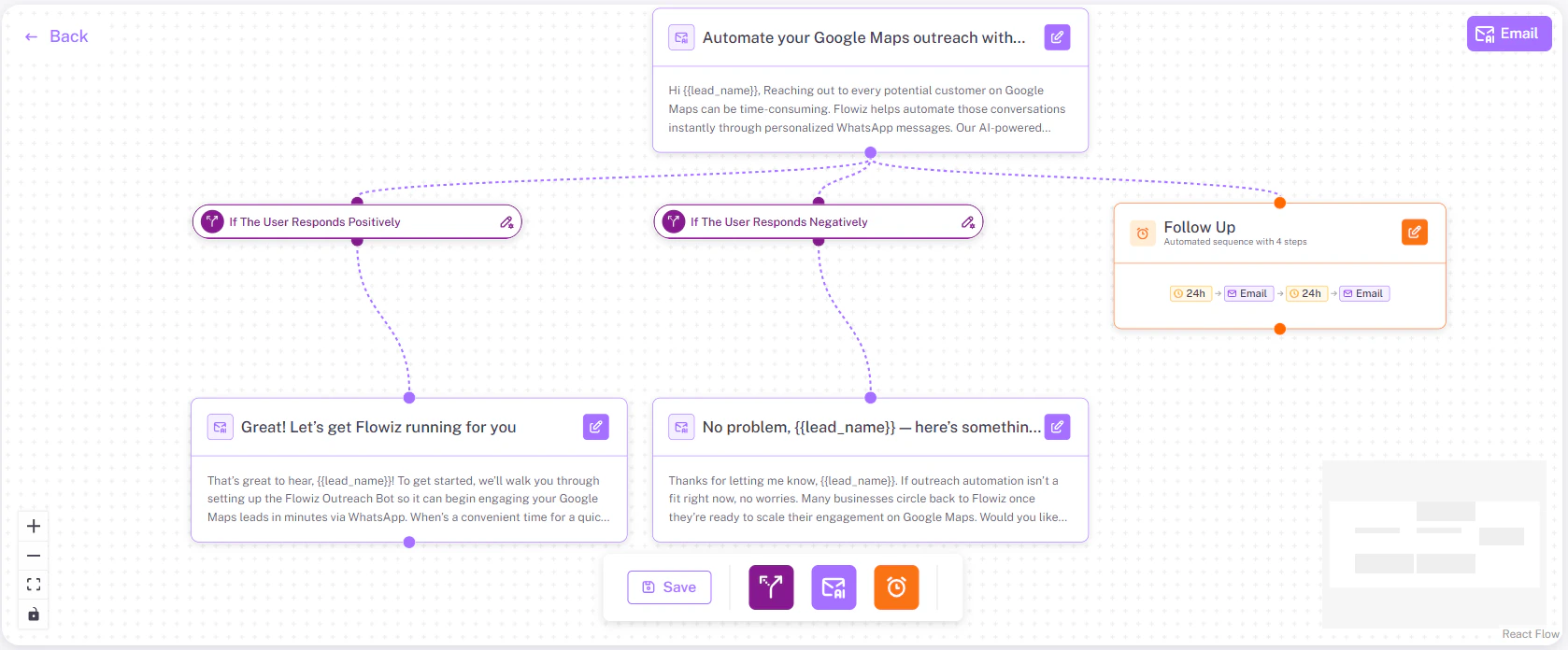
The Logic Node (Diamond Icon) splits your flow into two paths: **YES** and **NO**.
{/* Save as 'logic-node.png' */}
 ### How it Works
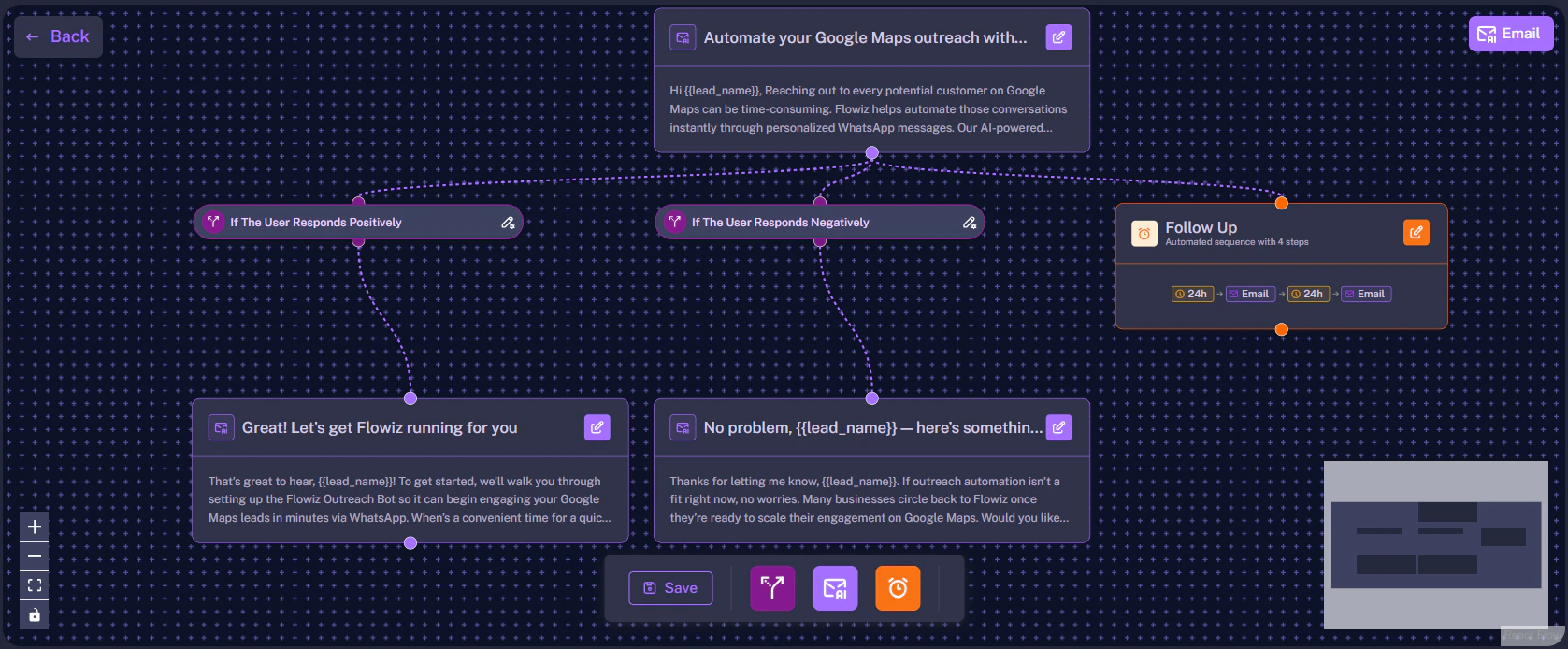
The AI automatically assigns the condition.
* **Path A (Positive):** "If User Responds Positively" -> Send Booking Link.
* **Path B (Negative):** "If User Responds Negatively" -> Remove from list.
* **Path C (No Reply):** "If No Reply after 3 days" -> Send Follow-up.
### How it Works
The AI automatically assigns the condition.
* **Path A (Positive):** "If User Responds Positively" -> Send Booking Link.
* **Path B (Negative):** "If User Responds Negatively" -> Remove from list.
* **Path C (No Reply):** "If No Reply after 3 days" -> Send Follow-up.