> ## Documentation Index
> Fetch the complete documentation index at: https://cybernauts.mintlify.site/llms.txt
> Use this file to discover all available pages before exploring further.
# WhatsApp Agent Setup
> Connect your Meta Business Account and manage message templates.
The **WhatsApp Agent** uses the official **Meta Cloud API**. This ensures high deliverability and protects your number from getting banned.
## 1. Connecting to Meta
To enable WhatsApp, you must authorize Flowiz to access your Meta Business Manager.
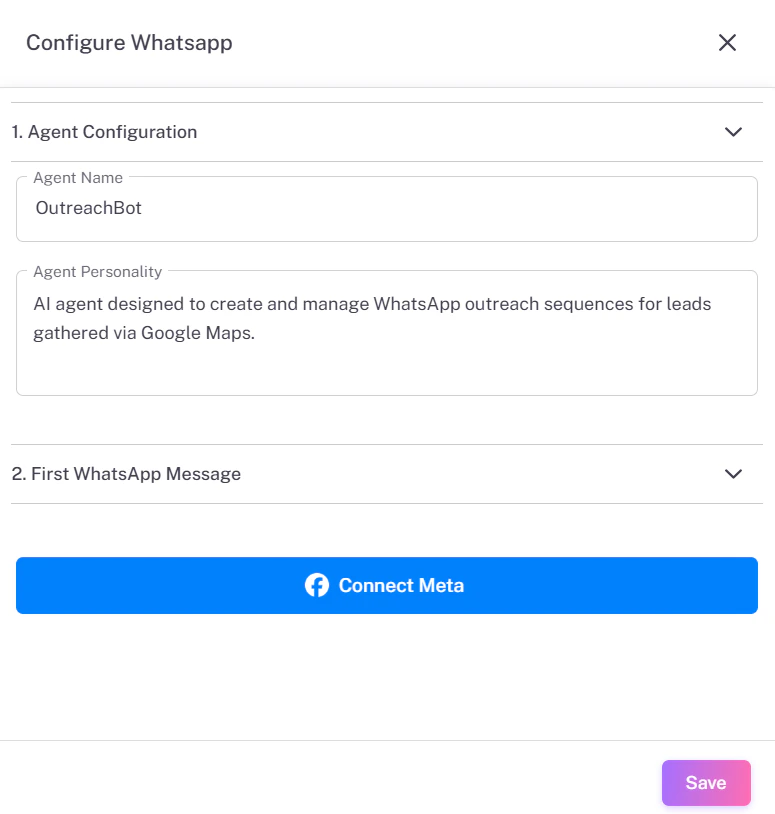
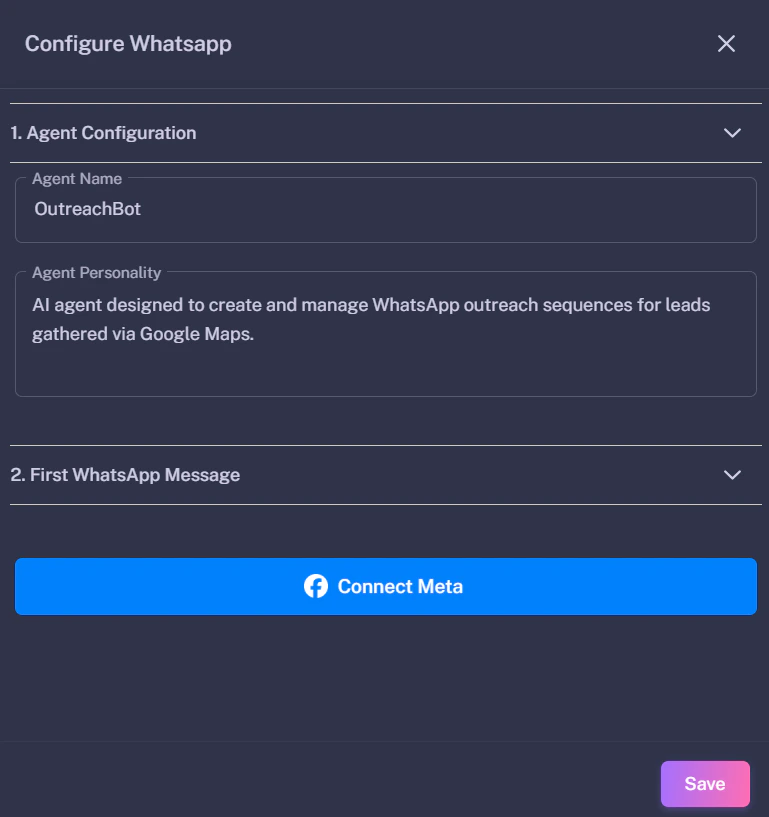
**Step 1:** Go to the **Agents** tab and click the **Settings (Gear)** icon next to WhatsApp.
**Step 2:** Click the blue **Connect Meta** button.
**Step 3:** You will be redirected to the **Templates** page.
 ### Authorizing the App
On the Templates page, click the **Connect Meta** button (top right). A popup will appear asking you to log in to Facebook and select your Business Account.
### Authorizing the App
On the Templates page, click the **Connect Meta** button (top right). A popup will appear asking you to log in to Facebook and select your Business Account.

 ## 2. Creating Message Templates
WhatsApp requires all initial messages to be pre-approved "Templates". You cannot send random text to a new lead.
**1. Add Template:** Click the pink **+ Add New Template** button.
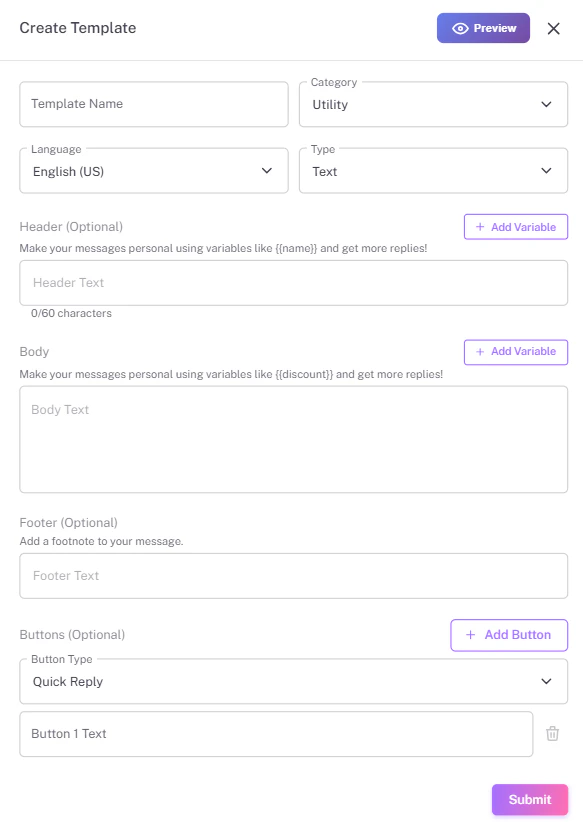
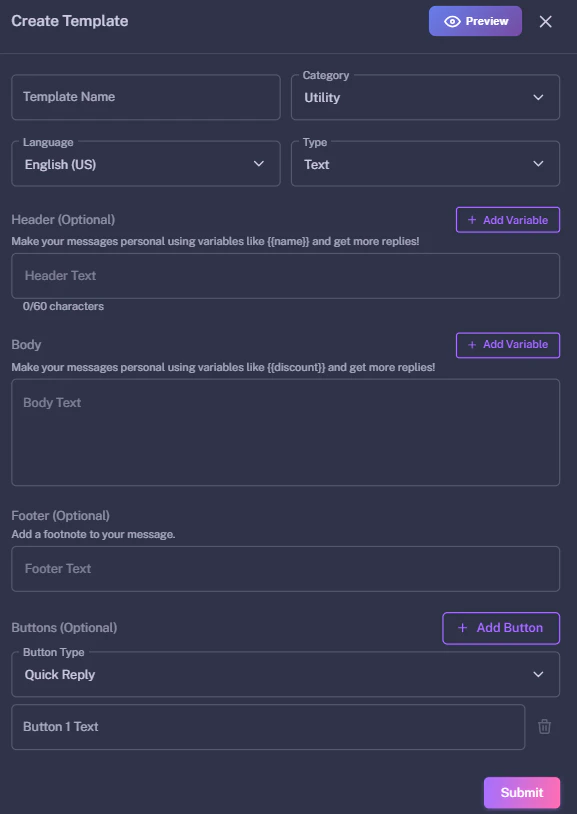
**2. Open Form:** A form will slide out from the right side.
**3. Fill Details:**
* **Category:** Choose "Marketing" or "Utility".
* **Body:** Write your message content (e.g., `Hi {{name}}...`).
* **Buttons:** Add a "Quick Reply" or "Call to Action".
**4. Submit:** Click **Submit**.
## 2. Creating Message Templates
WhatsApp requires all initial messages to be pre-approved "Templates". You cannot send random text to a new lead.
**1. Add Template:** Click the pink **+ Add New Template** button.
**2. Open Form:** A form will slide out from the right side.
**3. Fill Details:**
* **Category:** Choose "Marketing" or "Utility".
* **Body:** Write your message content (e.g., `Hi {{name}}...`).
* **Buttons:** Add a "Quick Reply" or "Call to Action".
**4. Submit:** Click **Submit**.
 ## 3. Approval & Testing
Once submitted, Meta will review your template (usually within minutes).
Check the **Status** column in the Templates table:
* **PENDING:** Meta is reviewing it.
* **APPROVED:** You can now use this template.
* **REJECTED:** Check the error and try again.
## 3. Approval & Testing
Once submitted, Meta will review your template (usually within minutes).
Check the **Status** column in the Templates table:
* **PENDING:** Meta is reviewing it.
* **APPROVED:** You can now use this template.
* **REJECTED:** Check the error and try again.
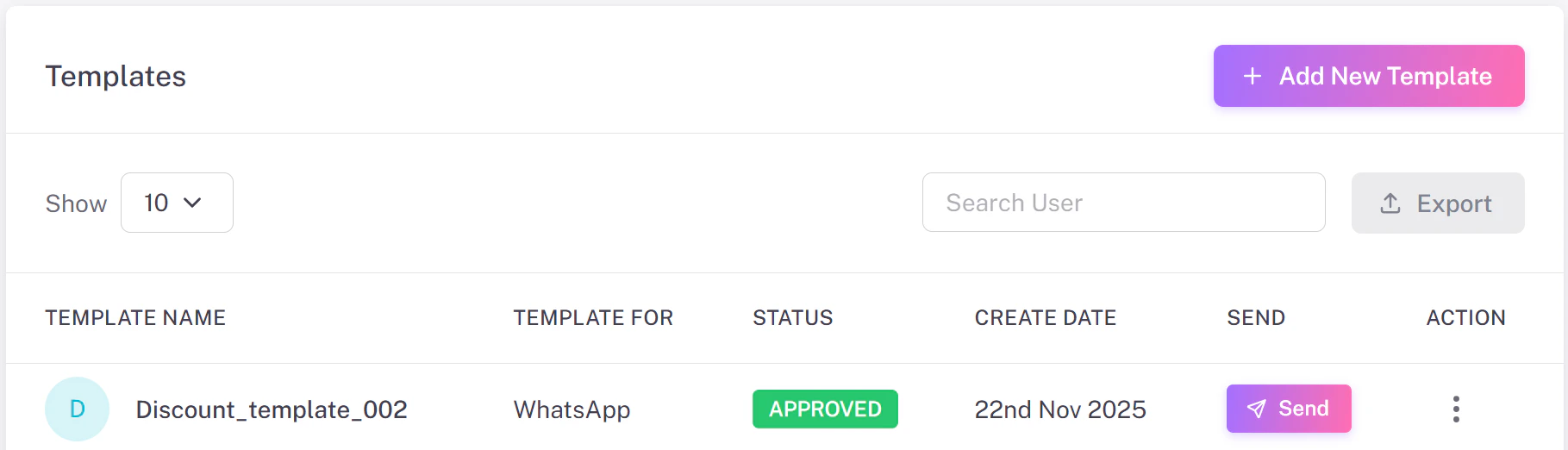
 **Test It:** Click the purple **Send** button in the Action column to send a test message to your own number.